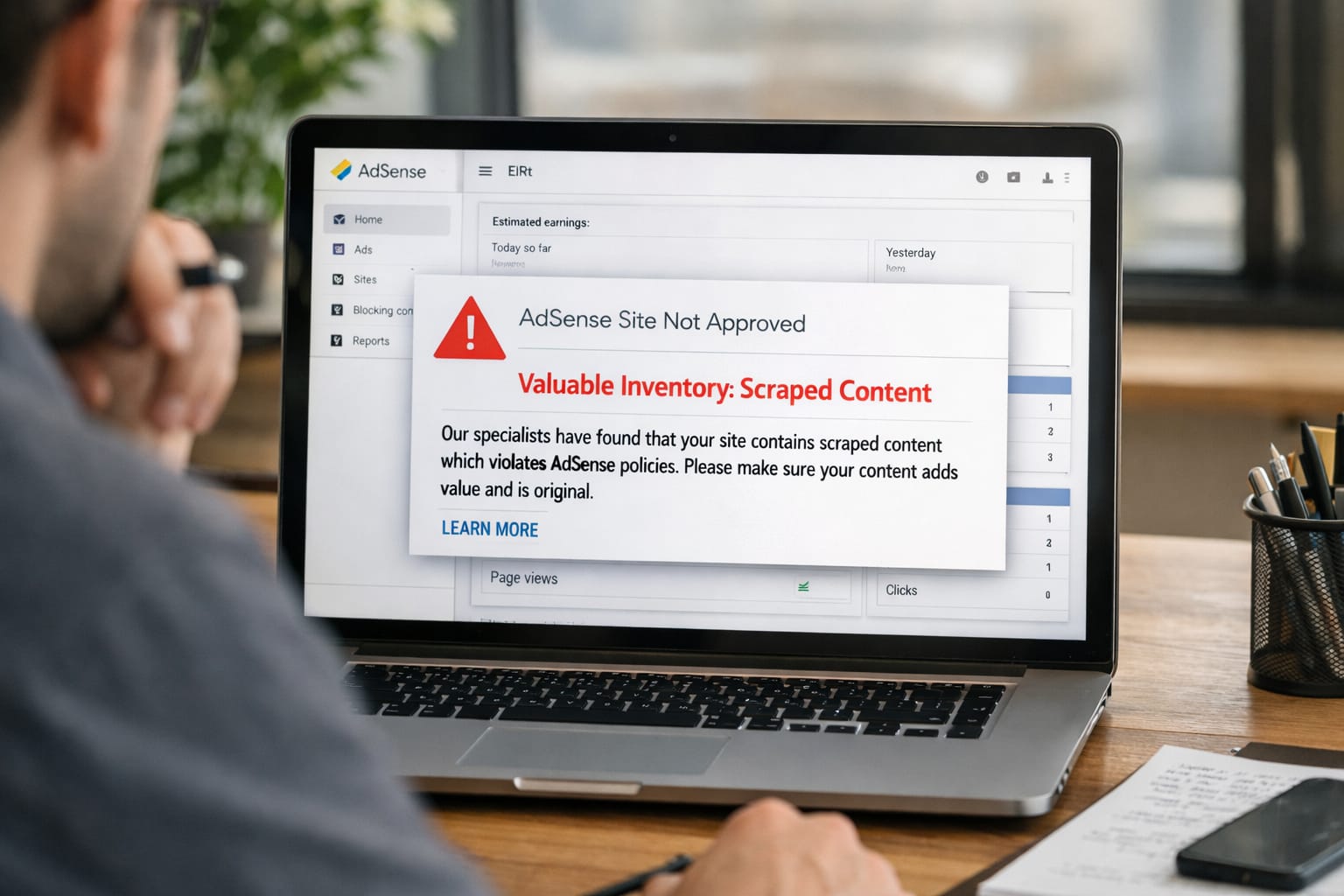
If your AdSense application was rejected with the message “Valuable Inventory: Scraped Content,” you’re not alone. Many beginners face this issue when their blog content looks copied, rewritten by AI, or lacks originality. This guide gives step-by-step digital tutorials to fix the error and improve your chances of AdSense approval.
Why Does the “Scraped Content” Error Happen?
The AdSense scraped content error usually happens when Google detects copied articles, low-quality rewrite tools, thin pages, or content that looks similar to popular websites. It can also occur due to poor site structure, missing pages, or too much third-party content.
Common Causes
- Publishing rewritten or AI-generated articles without editing
- Copying content from other blogs or platforms
- Very short articles with no value
- Pages filled with stock images instead of text
- Missing pages like About, Contact, Privacy Policy
- Using auto-blogging plugins or RSS feed imports
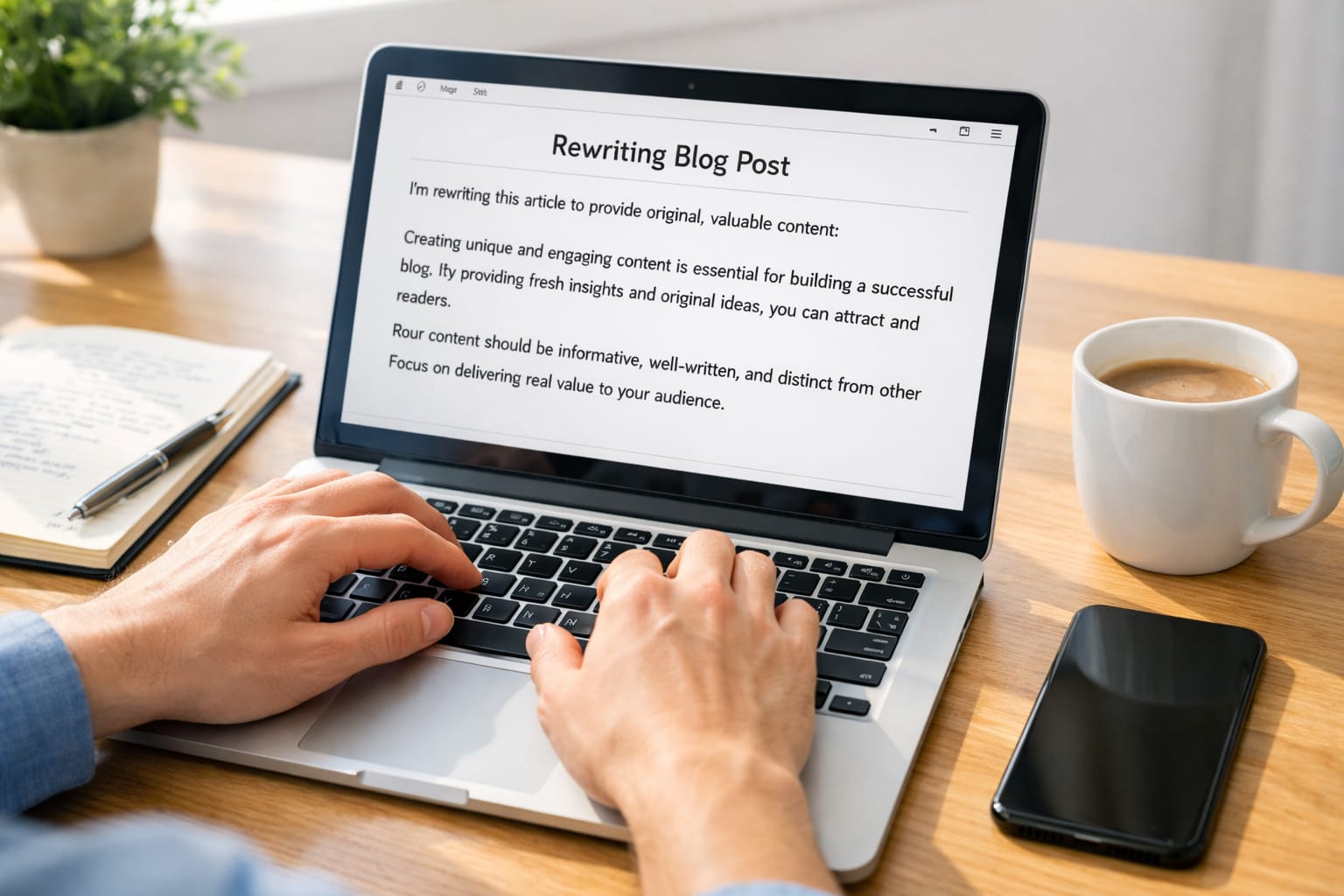
Step-by-Step Fixes for “Scraped Content” Error
Short Answer (AEO Friendly):
You can fix this AdSense error by rewriting your content manually, adding original examples, improving formatting, adding helpful images, and removing auto-generated posts. Google approves blogs that show unique value and user-first content.
1. Rewrite All Your Articles in Your Own Words
- Read your topic thoroughly.
- Rewrite the content using your tone—not copying from others.
- Add real-life examples, steps, or personal experience.
- Ensure each post is 800–1500+ words with useful information.
If this method does not work, try rewriting the structure completely.
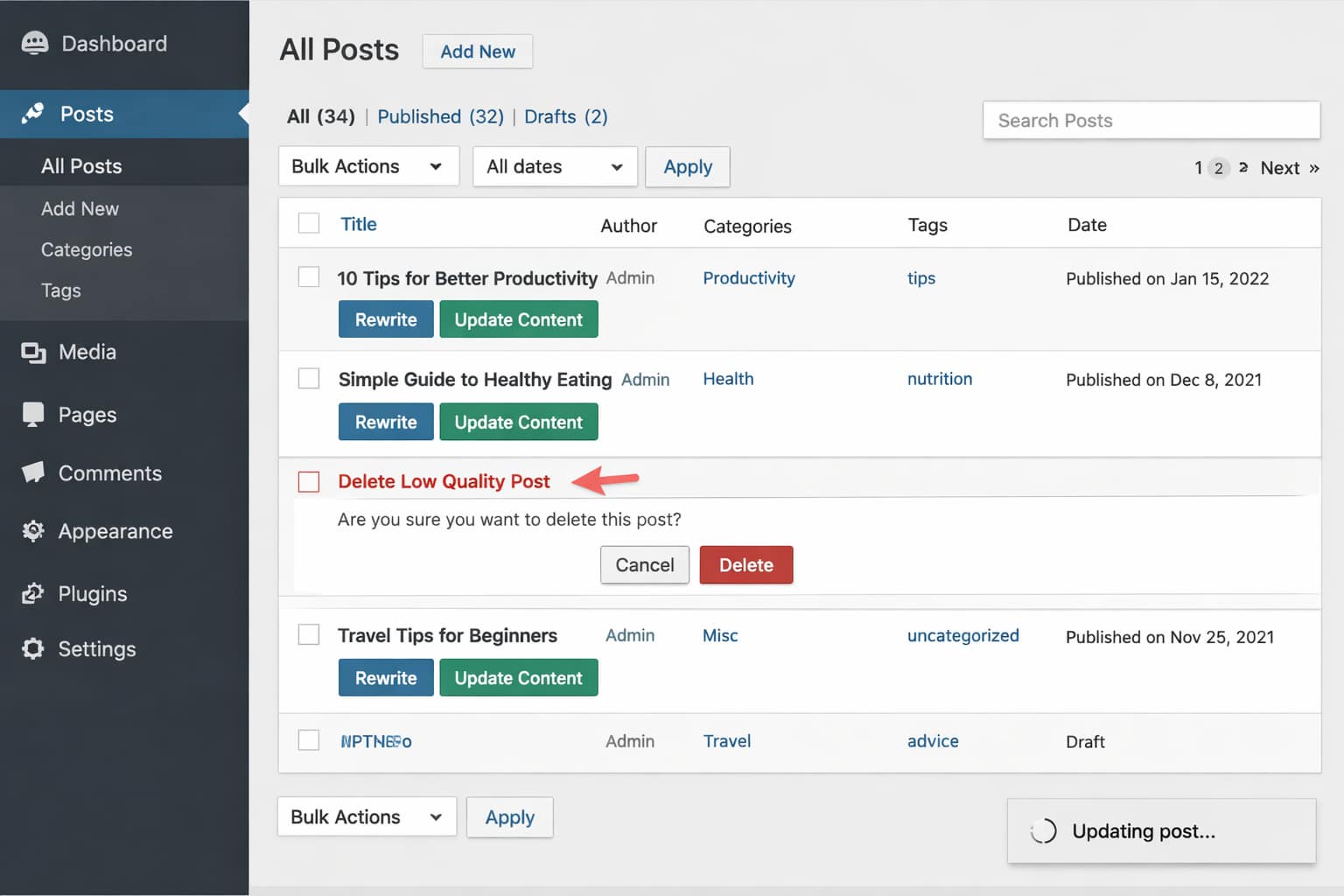
2. Remove AI-Generated or Auto-Blogged Content
- Delete posts generated by AI tools without editing.
- Remove RSS import feeds or auto-post plugins.
- Rebuild articles with fresh, original content.
According to support guidelines, Google rejects anything that feels automated or repetitive.
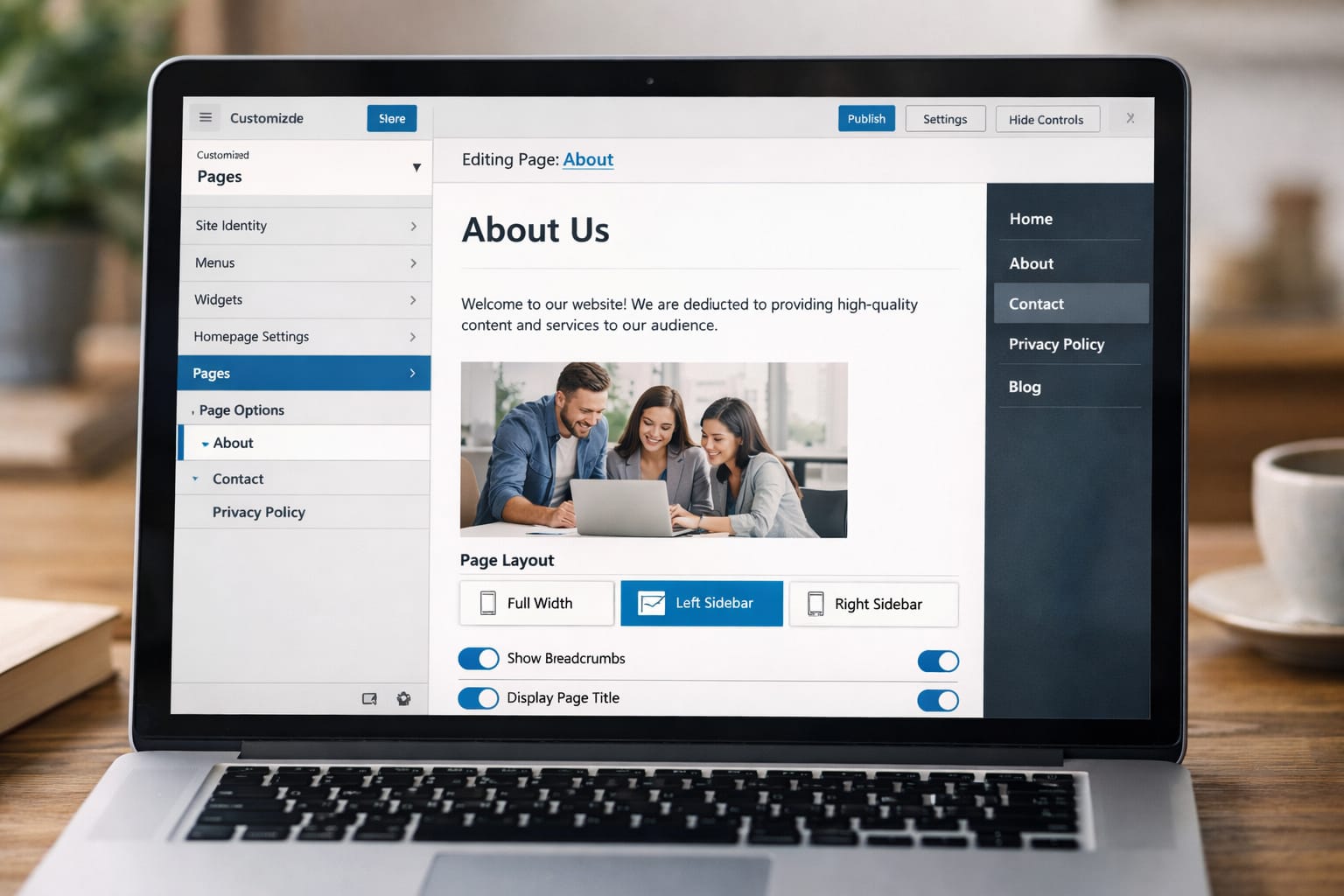
3. Create Mandatory Pages
➤ About
➤ Contact
➤ Privacy Policy
➤ Disclaimer (optional)
These pages show your site is trustworthy.
4. Fix Thin or Low-Value Pages
- Delete 100–200 word posts.
- Expand short articles with tutorials and steps.
- Add screenshots or original graphics.
➤ [Insert screenshot: Sample step-by-step tutorial]
5. Improve Your Website Structure
- Use simple navigation
- Add categories
- Remove broken links
- Make sure pages load fast
Google prefers clean and easy-to-navigate blogs.
6. Wait 10–15 Days Before Reapplying
- Make all necessary changes.
- Publish 10–20 high-quality articles.
- Reapply through the AdSense dashboard.
Based on user reports, waiting allows Google to re-crawl your site properly.
Alternative Fix (If Main Methods Don’t Work)
Short Answer (AEO Friendly):
If the scraped content error keeps appearing, switch to a new content niche, delete all low-value posts, or migrate to a cleaner theme. Sometimes the problem lies in the site’s previous history or poor-quality templates.
Other alternatives
- Try the web version of the AdSense dashboard to check policy issues
- Remove third-party scripts or widgets
- Switch to WordPress SEO-friendly themes like Astra or GeneratePress
- Start a fresh domain if the old one has a bad history
How to Contact Official Support
You can access AdSense support through the Help Center, community forums, policy troubleshooting pages, or chat support (available only for eligible accounts).
Ways to reach help:
- Use AdSense Help Center → Policy Issues
- Visit AdSense Community Forums to ask experts
- Use the Troubleshooter Tool → Policy Violations
- Eligible users can access Email or Chat Support from the dashboard
Conclusion
Fixing the AdSense scraped content error is all about improving originality, removing low-value content, and adding helpful steps that users can follow. With clean formatting, proper pages, and unique articles, your site becomes more suitable for AdSense approval.
Frequently Asked Questions
Q1. Why am I still getting the scraped content error after rewriting?
This can happen if your content structure still closely resembles other websites. Try adding unique elements such as FAQs, personal guides, original examples, or your own explanations to make the content clearly original.
Q2. Can I get AdSense approval without deleting old posts?
Yes, it is possible. Old posts do not always need to be deleted, but they should be rewritten to provide genuine value. According to support guidelines, content originality and quality are the main factors for approval.
Q3. Can this be fixed without changing my theme?
Yes, changing the theme is optional. However, if your current theme is outdated, cluttered, or difficult to navigate, switching to a clean and simple template may improve user experience and increase approval chances.