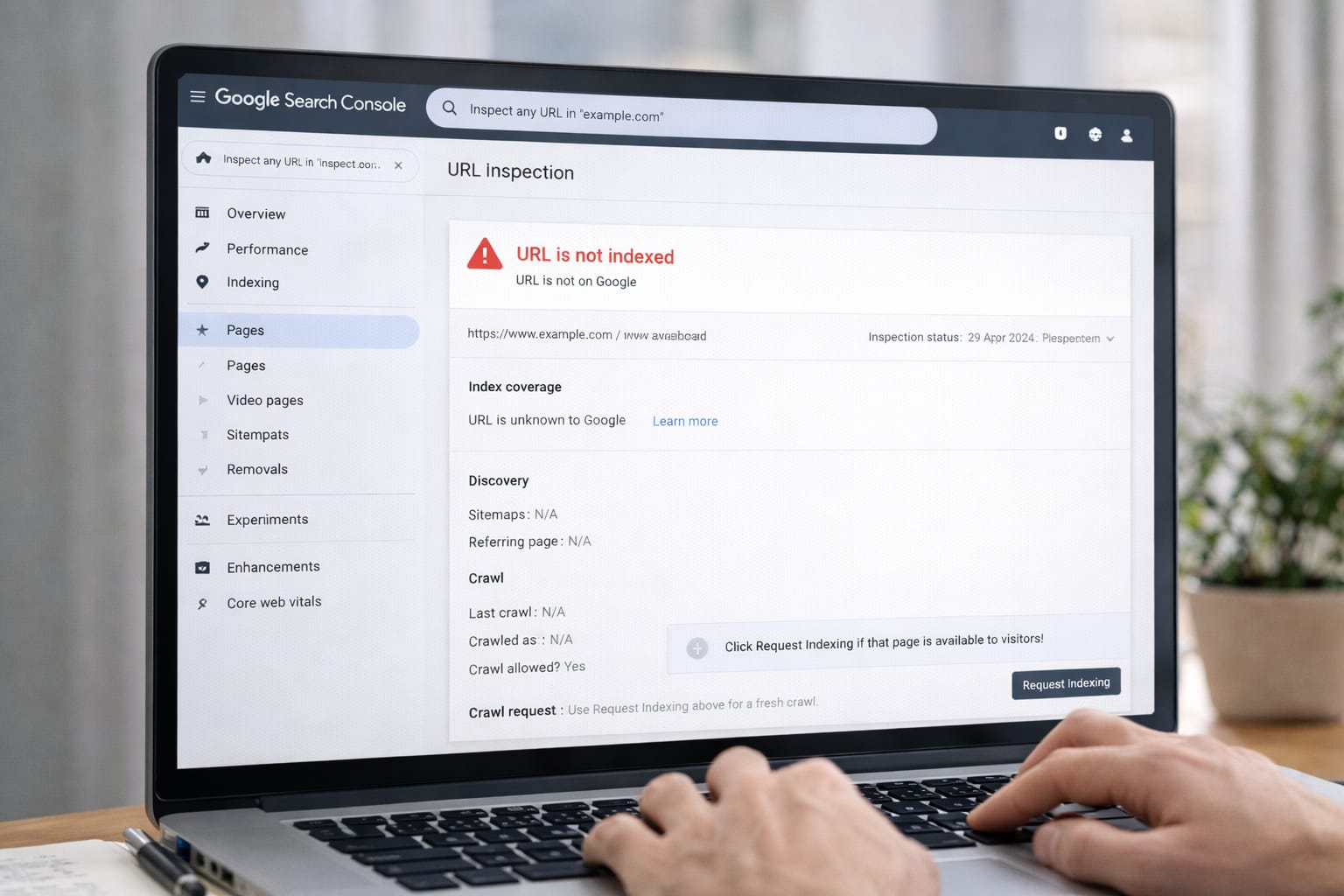
If Google Search Console shows “URL is not indexed”, your page won’t appear in Google search. This beginner guide explains why it happens and how you can fix it using simple step-by-step methods—perfect for new bloggers and website owners.
Why Google Is Not Indexing Your URL?
Google may stop indexing URLs due to a few common issues. These reasons are based on user reports and Search Console guidelines.
Possible Causes:
- Your page is new and Google has not crawled it yet
- The URL is blocked by robots.txt or noindex tag
- Poor internal linking or orphan pages
- Slow hosting or crawl errors
- Duplicate or low-value content
This issue happens when Google cannot crawl, access, or understand your page properly. It may be new, blocked by noindex, lacking backlinks, or having technical issues. Fixing indexing requires checking robots.txt, improving internal links, updating your content, and requesting indexing again in Google Search Console.

Step-by-Step Fixes for “URL Not Indexed” in Google
1. Check if the URL Has a “Noindex” Tag
A noindex tag stops Google from adding your URL to search results. Many beginners accidentally enable it in their SEO plugin or theme. Remove the noindex tag and request indexing again. This is one of the fastest and most commonly used fixes.
Steps:
- Open your post → View Source
- Search for: <meta name=”robots” content=”noindex”>
- If it exists → remove it in SEO plugin settings
- Update the post
2. Check Robots.txt Blocking Issues
If robots.txt blocks Googlebot from crawling your page, indexing will fail. Remove the blocked lines and save your settings. According to Google guidelines, crawling must be allowed for indexing.
Steps:
- Visit: yoursite.com/robots.txt
- Look for: Disallow: / or similar
- Delete incorrect rules in your hosting panel
- Save changes and retest the URL
3. Improve Internal Linking
Google ignores pages that have no internal links (orphan pages). Adding your URL to menus, category pages, or related posts helps Google discover and index it faster.
Steps:
- Add at least 2–3 internal links
- Link from high-traffic posts
- Update your sitemap
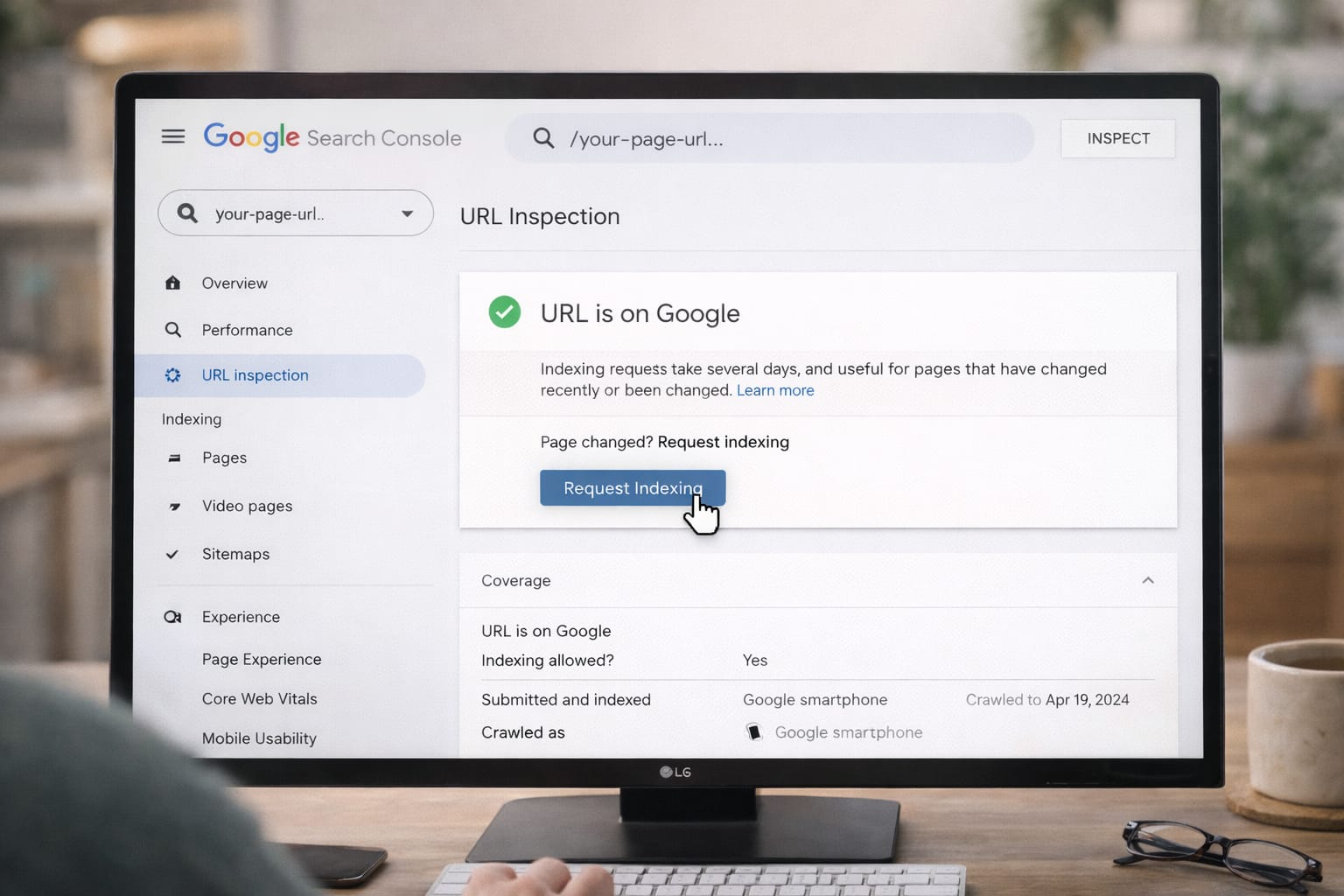
4. Use “Request Indexing” in Search Console
Request indexing forces Google to recrawl your page. It may take minutes or a few days. This tool is useful when you’ve made recent changes or fixed errors.
Steps:
- Open Google Search Console
- Enter your URL in the top bar
- Click Request Indexing
- Wait for Google’s response
5. Improve Page Quality and Content Value
Low-quality, thin, or duplicate pages often get ignored by Google. Adding more unique text, images, FAQs, and internal links can help your page meet Google’s quality checks.
Do this:
- Write at least 600–800 words
- Add your keyword naturally
- Use original images
- Remove duplicated paragraphs
Alternative Fixes (If Main Methods Don’t Work)
Use these when indexing still fails:
- Submit a new XML sitemap
- Use the Inspect URL → View Crawled Page tool
- Switch to faster hosting (slow websites delay crawling)
- Remove redirect chains
- Fix mobile usability errors
If your URL still won’t index, try submitting a sitemap, improving site speed, or checking Google’s crawled page report. Many creators also resolve this by fixing redirects and mobile issues. These steps help Google understand your page better.
How to Contact Official Support
You can contact support through:
- Google Search Central Help Community
- Google Webmaster Forum
- YouTube Creator Support (if site linked to channel)
Google does not offer direct support for indexing issues, but you can use the Search Central Community and Webmaster Forum to ask experts. They guide you with Google-approved solutions.
Conclusion
Fixing “URL not indexed” in Google Search Console usually requires checking noindex settings, allowing crawling, adding internal links, and then requesting indexing. These beginner-friendly methods help Google discover your content faster.
Frequently Asked Questions
Q1. Why is Google not indexing my new URL?
New pages can take time for Google to crawl and index. If indexing is delayed, check whether the page has a noindex tag, low-quality or thin content, or issues with the robots.txt file blocking access.
Q2. Can I fix index issues without technical skills?
Yes. Many common fixes—such as removing noindex tags, adding internal links, and requesting indexing through Google Search Console—do not require coding or technical knowledge.
Q3. Is it possible to index URLs without submitting a sitemap?
Yes, URLs can still be indexed without a sitemap. However, submitting a sitemap helps Google discover pages faster and is highly recommended, especially for beginners and small websites.