Many users lose access to Gmail because they no longer have the phone number linked to their account. This guide explains simple, beginner-friendly methods to recover your Gmail account using only email, backup codes, or verification options based on Google’s support guidelines. Everything is explained step-by-step so you can recover your account easily.
Why Does This Problem Happen?
Here are the most common reasons Gmail recovery fails without a phone number:
- You changed or lost the phone number linked to your account.
- You forgot your password and don’t have backup recovery options saved.
- Google detected unusual login activity and blocked access.
- You’re using an outdated browser or app version.
- Internet connection or device issues interrupt the login process.
Step-by-Step Fixes for Gmail Recovery Without Phone Number
Follow these beginner-friendly steps based on common Google recovery methods:
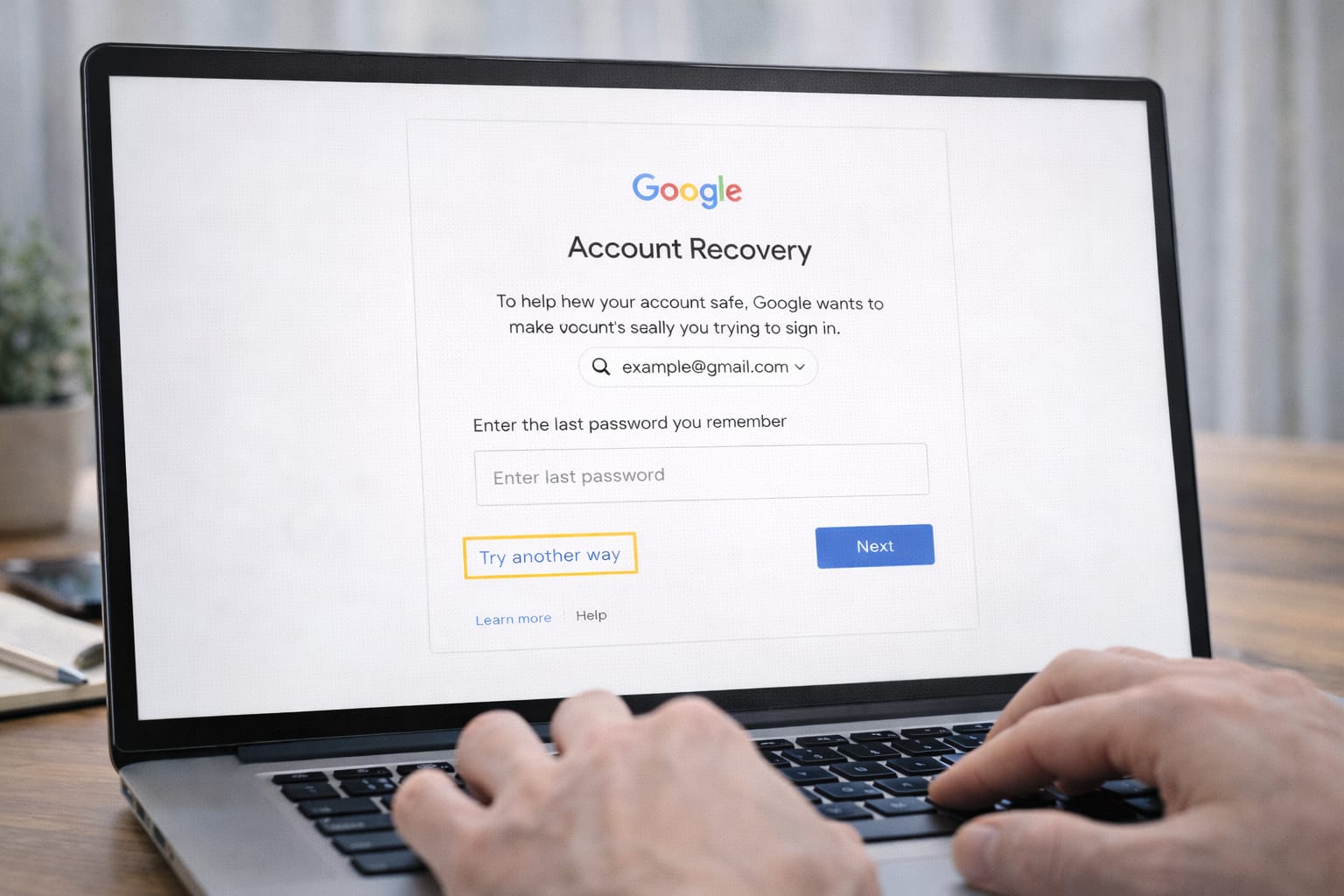
1️⃣ Use the Gmail “Try Another Way” Option
Google often gives alternative verification methods if you don’t have your phone number.
- Go to the Gmail login page.
- Enter your email and click Forgot Password.
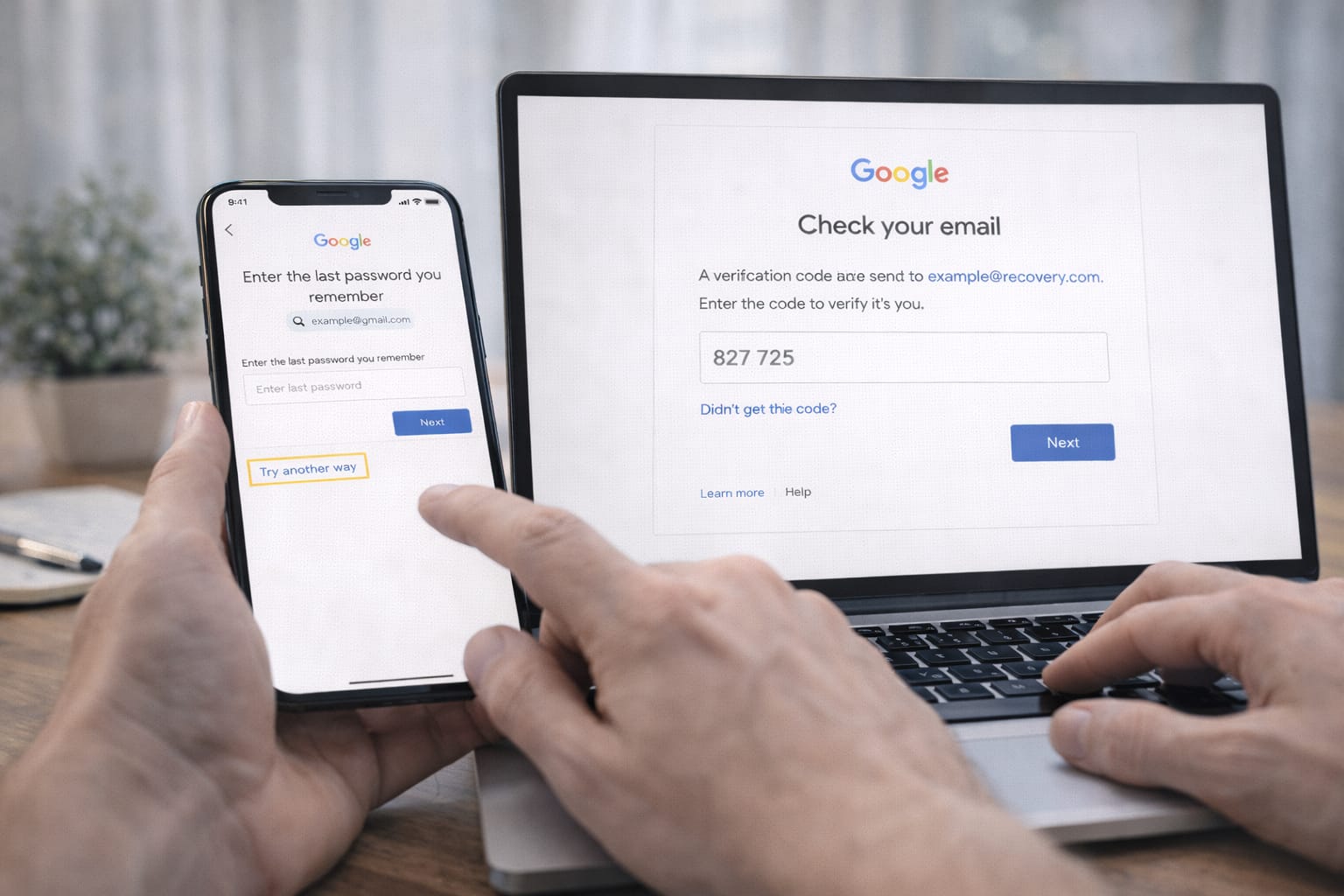
- When asked for your phone number, click Try another way (important).
- Google will offer email verification or account questions.
This works based on user reports when Google recognizes your device.
2️⃣ Recover Gmail Using Your Recovery Email
If you have access to your recovery email, this is the easiest method.
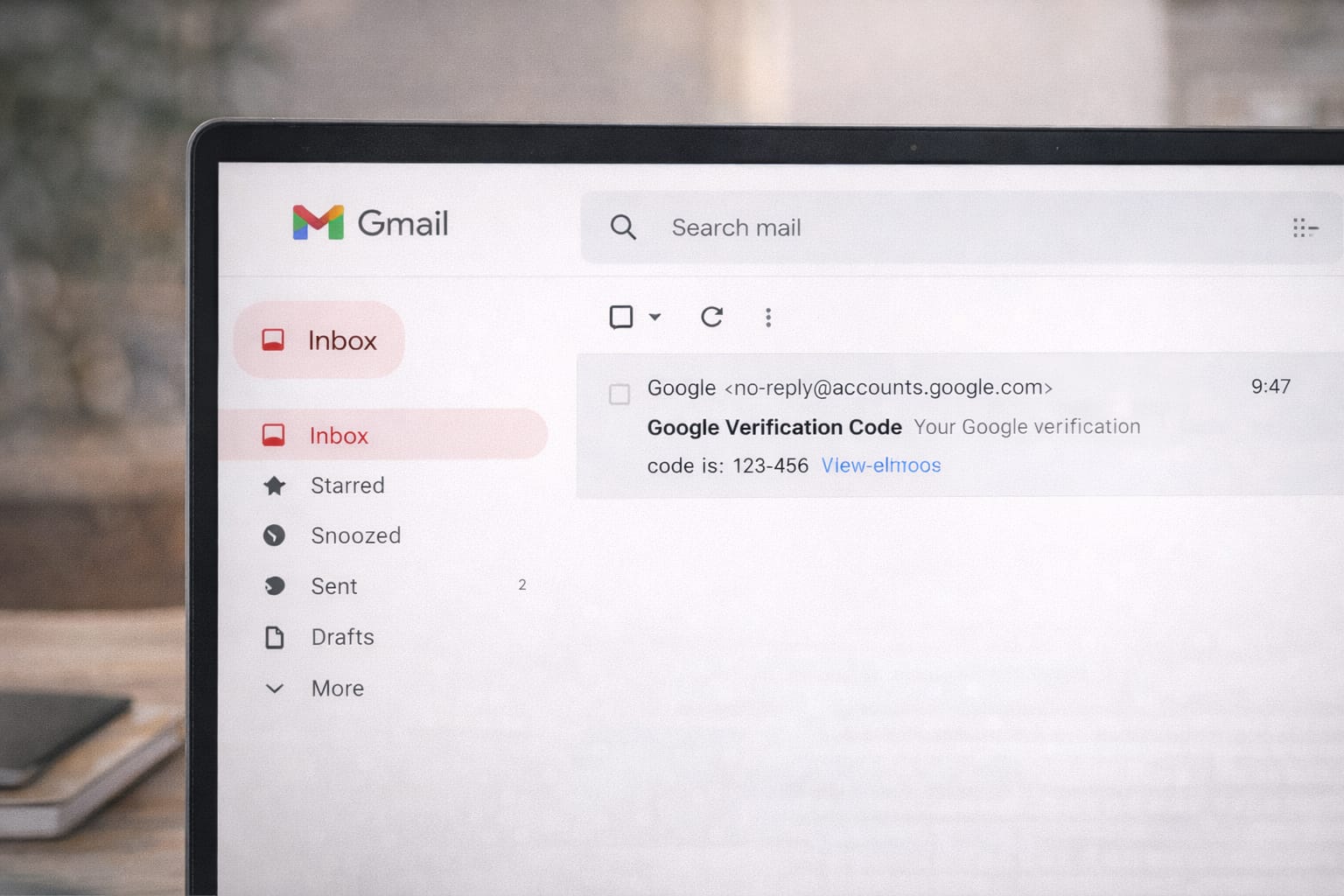
- Select Send verification code to recovery email.
- Check your inbox for a 6-digit code.
- Enter it in the recovery page.
- Set a new password and log in.
Tip: If you don’t see the code, check Spam or Promotions folders.
3️⃣ Use the “Logged-In Device” Method
If you are already logged into Gmail on another device:
- Visit Google Account Recovery on your computer or phone.
- Google will send a sign-in prompt to your logged-in device.
- Tap Yes, it’s me.
This bypasses the need for a phone number.
4️⃣ Use Backup Codes (If Saved Earlier)
If you once saved backup codes, they can help unlock your account.
- Select Enter backup code on the recovery page.
- Type any unused code from your saved list.
Backup codes can be used even if both email and phone are unavailable.
5️⃣ Answer Google’s Account Questions
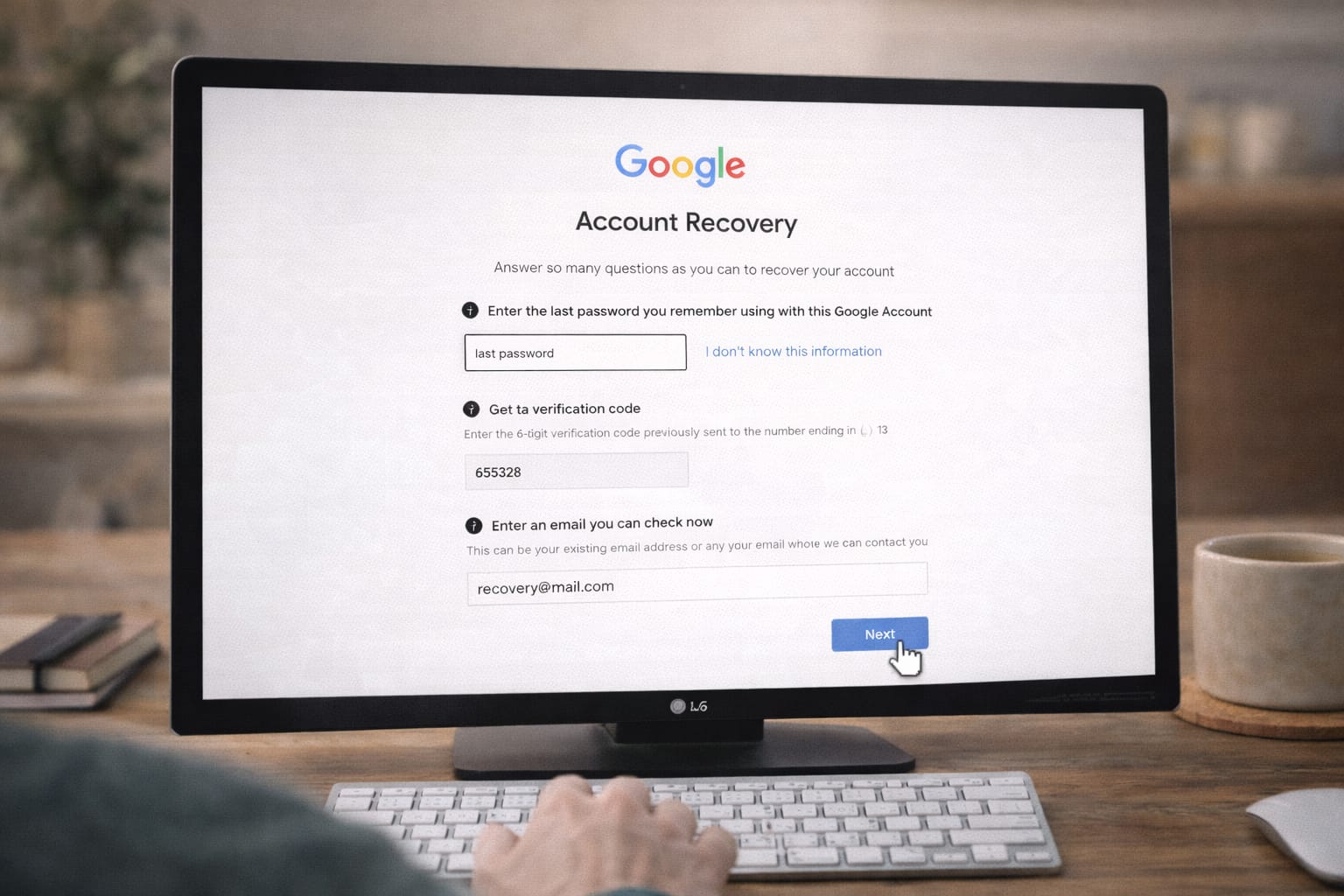
When no recovery options work, Google will ask:
- Last password you remember
- When you created your account
- Your frequently used device/browser
Try to answer as accurately as possible.
If Google recognizes your pattern, it may restore access.
Alternative Fix (If Main Methods Don’t Work)
Use the Google Account Recovery Form
If automated tools fail, Google provides a manual review option.
- Go to the “Can’t sign in” support page.
- Choose Account Recovery Form.
- Describe your issue clearly.
- Submit details like:
- Recovery email
- Old passwords
- Device you created the account with
This method is commonly used when all other recovery steps fail.
Try Logging In From an Old Trusted Device
According to user reports, Google is more likely to approve recovery when you:
- Log in from a device you used earlier
- Use the same Wi-Fi network you previously logged in from
- Use a browser with old Gmail cookies
This increases your verification success rate.
How to Contact Official Support
Google does not offer direct human support for Gmail recovery, but you can access:
- Google Account Help Center
- Account Recovery Troubleshooter
- Gmail Community Forum
Search for your issue and follow Google’s official troubleshooting guidelines.
Conclusion
Recovering Gmail without a phone number is possible if you use Google’s alternative verification tools like recovery email, logged-in devices, backup codes, or the manual recovery form. Start with “Try another way,” and move step-by-step until one method works.
Frequently Asked Questions
Q1. Why am I not receiving the Gmail verification code?
This usually happens due to email delivery delays, spam filtering, poor network connectivity, or Google temporarily blocking attempts because of unusual activity. You can try resending the code or selecting “Try another way” during verification.
Q2. Can I recover my Gmail account without a password?
Yes. You can recover your Gmail account using a recovery email address, a previously logged-in device, or the account recovery form. Google will verify your identity using alternative methods.
Q3. Is it possible to recover Gmail without reinstalling the app?
Yes. Reinstalling the app is not required. Gmail account recovery can be completed through a web browser, another trusted device, or your recovery email.