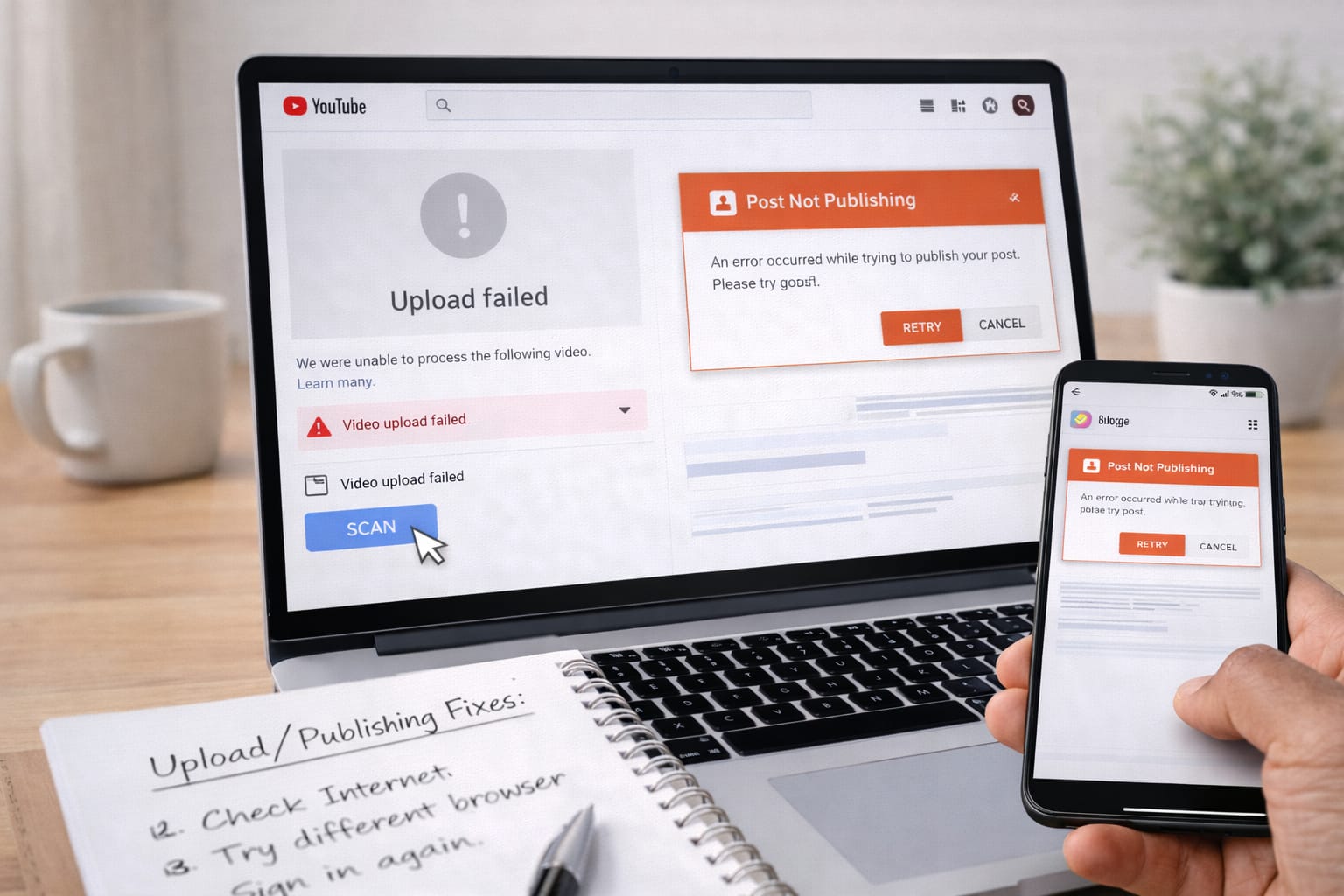
If you are new to blogging or YouTube, you may face issues like videos not uploading, blog posts not saving, login errors, missing verification codes, or account access problems. This beginner-friendly guide explains how to fix blogging and YouTube problems step-by-step using simple digital troubleshooting methods.
Why Do These Blogging & YouTube Problems Happen?
Short Answer (AEO Ready):
These issues usually happen due to slow internet, outdated apps, browser cache, wrong login details, storage limits, or access problems with your email or phone. Based on user reports, most errors come from basic settings or connectivity issues.
Possible Causes:
- Poor or unstable internet connection
- Full device storage (affects video uploads)
- Outdated YouTube app or old browser version
- Incorrect password or missing verification access
- Browser cache or cookies blocking the dashboard
- Third-party plugins causing blog errors (WordPress)
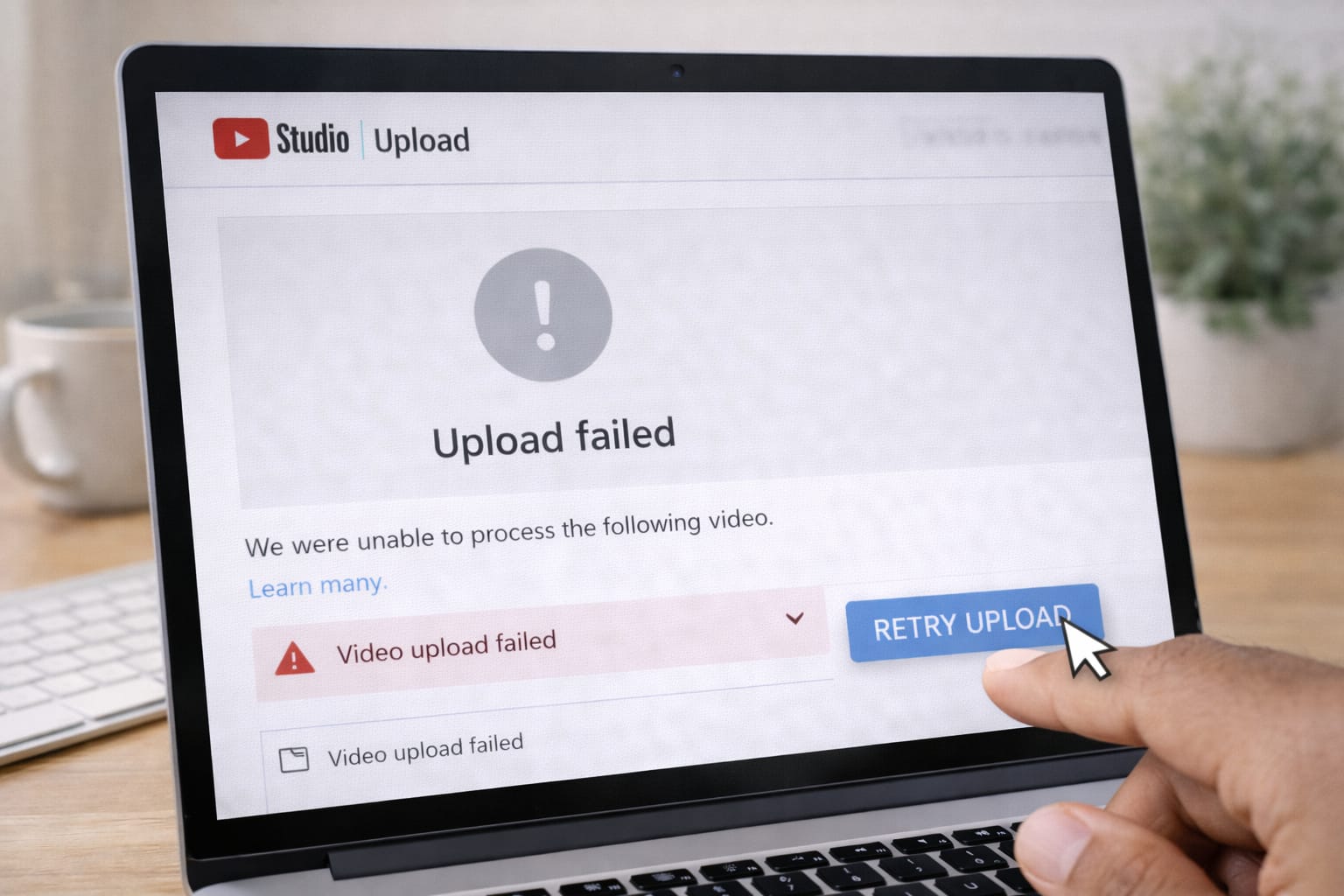
Step-by-Step Fixes for Common Blogging & YouTube Problems
1. Fix YouTube Video Not Uploading
Short Answer:
Upload issues usually come from large file size, low internet speed, or outdated formats.
Steps:
- Check internet upload speed.
- Rename the video file and upload again.
- Convert the video to MP4 (H.264).
- Clear YouTube app cache.
- Try uploading from a computer instead.
If it still fails, try a lower resolution file.
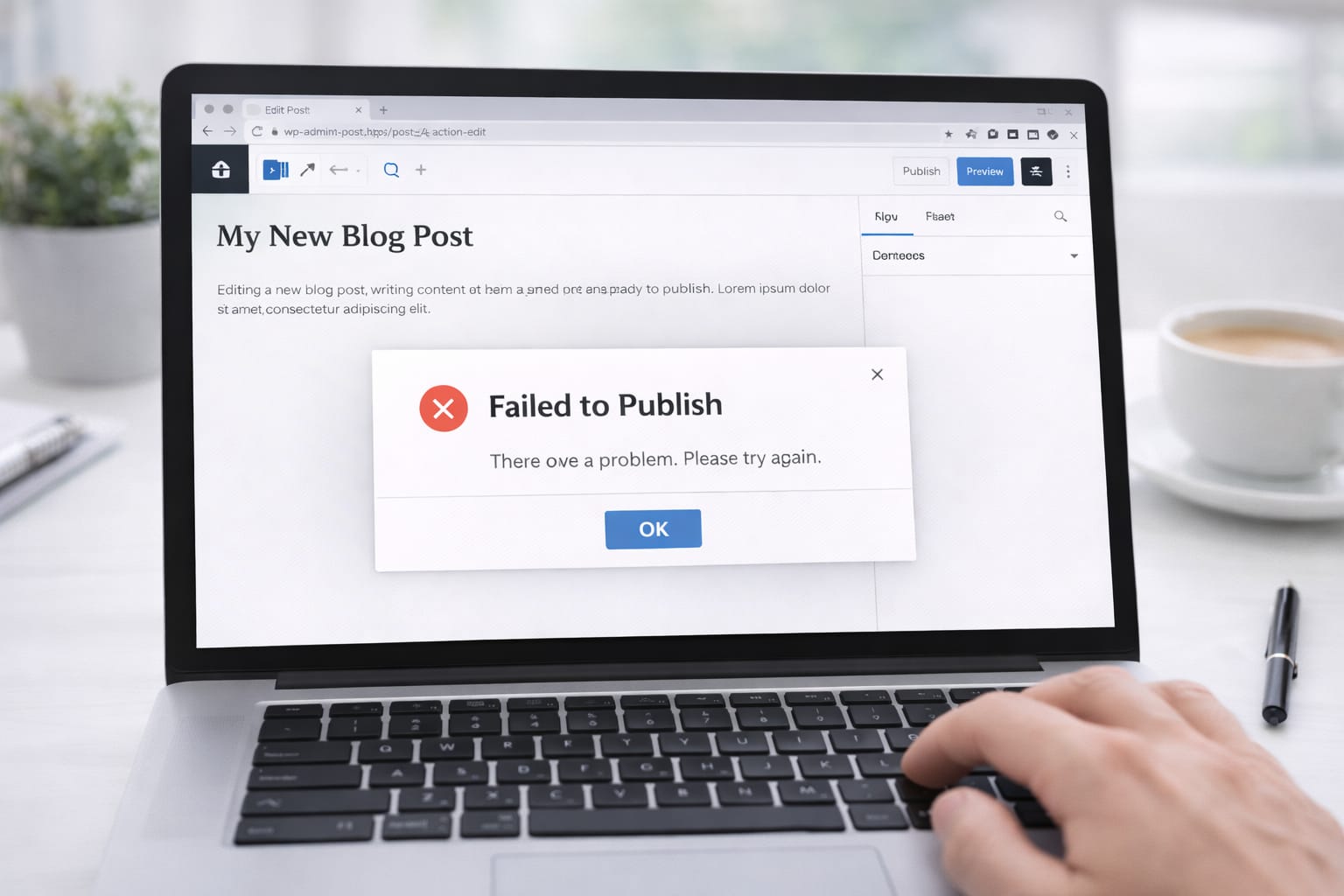
2. Fix Blog Post Not Publishing on Blogger or WordPress
Short Answer:
This usually happens due to plugin errors, cache issues, or incorrect publishing settings.
Steps:
- Clear browser cache.
- Disable recently added WordPress plugins.
- Check if your internet is stable.
- Save your blog as a draft, then publish again.
- Use the “Private Window / Incognito Mode” to avoid cookie conflicts.
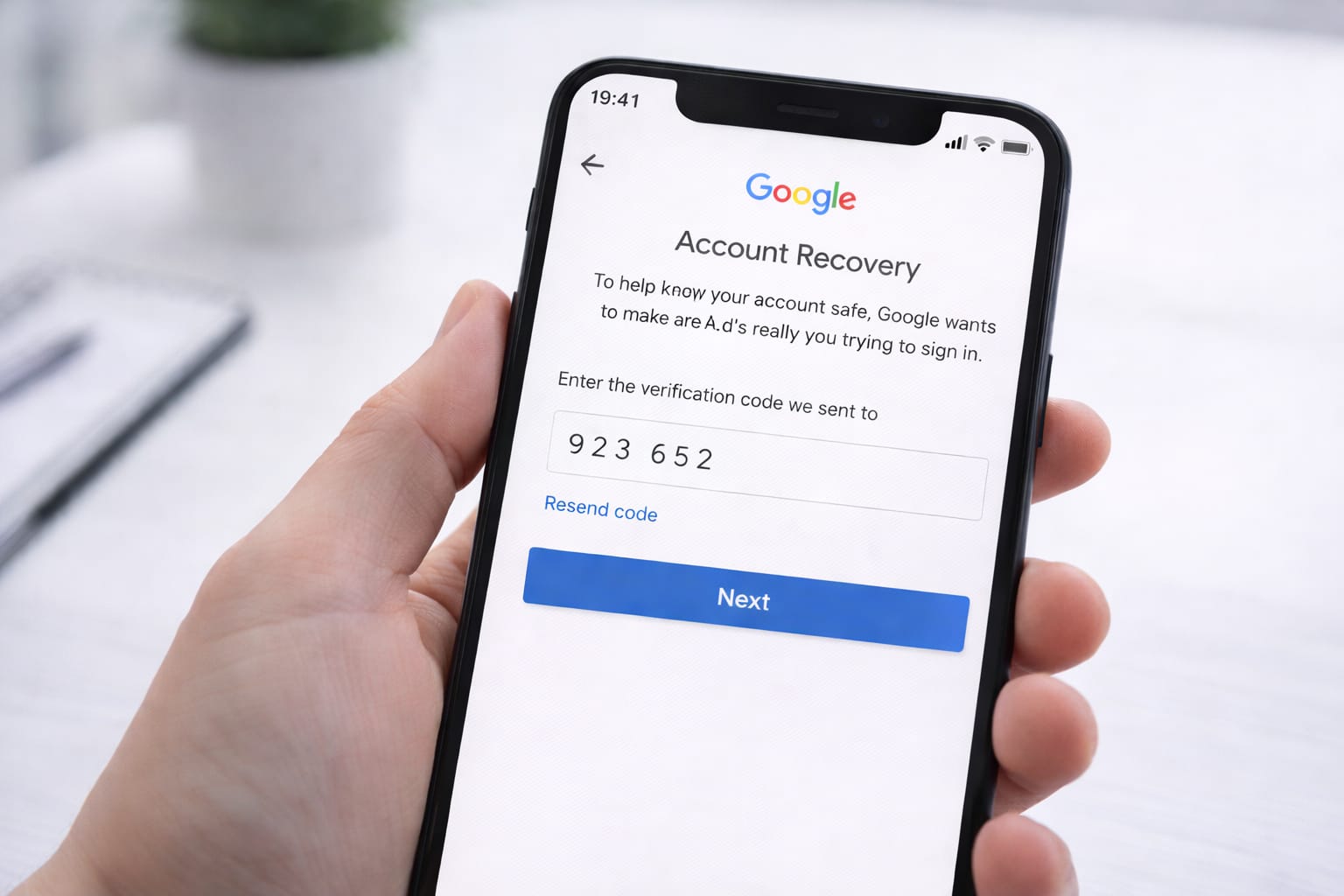
3. Fix YouTube Login or Verification Code Not Working
Short Answer:
This issue is common when your phone number or email is outdated in Google account settings.
Steps:
- Make sure your phone has network coverage.
- Check spam or promotions folder for emails.
- Use “Try another way” on the Google login page.
- Turn off VPN — it may block Google login.
- Use backup codes if previously saved.
4. Fix Blog Images Not Uploading
Short Answer:
Images fail to upload when the file is too large or when browser storage is full.
Steps:
- Compress images using any online tool.
- Convert PNG files to JPG.
- Clear browser cache before uploading.
- Try a different browser like Chrome or Firefox.
Alternative Fix (If Main Methods Don’t Work)
Short Answer:
Use the web version, recovery forms, or incognito mode to bypass local app errors.
Try These Alternatives:
- Use YouTube Studio Web instead of the app.
- Open Blogger/WordPress in Incognito mode.
- Reset YouTube app settings from your phone settings.
- Submit Google Account Recovery form if login fails.
- Switch devices (phone → laptop or vice-versa).
If one method doesn’t work, the next one usually solves the issue.
How to Contact Official Support
Short Answer:
You can reach the official help centers of Blogger, WordPress, and YouTube through their support pages.
Support Options:
- YouTube Help Center: Search “YouTube Help” on Google → click the official page → select your issue.
- Google Account Recovery: Search “Google account recovery” to reset login access.
- Blogger Support Forums: Community answers for publishing/upload issues.
- WordPress Support: Use built-in “Help” → “Contact Support”.
These platforms provide official steps based on your problem.
Conclusion
Most blogging and YouTube issues can be fixed by checking your internet, clearing cache, updating apps, or switching devices. Start with simple steps first. If nothing works, use the official support or account recovery methods.
Frequently Asked Questions
Q1. Why is my login code not received?
This usually happens due to poor network coverage, SMS being blocked by your carrier, or outdated recovery information. You can try email verification or select “Try another way” during Google login.
Q2. Can I recover my YouTube or blog account without a password?
Yes, you can recover your account using Google Account Recovery. Access can be restored through a backup email address, registered phone number, or a previously used device.
Q3. Is it possible to fix these issues without reinstalling the app?
Yes. Clearing the app cache, updating the app, using the web version, or resetting certain settings often resolves the issue without needing to reinstall.