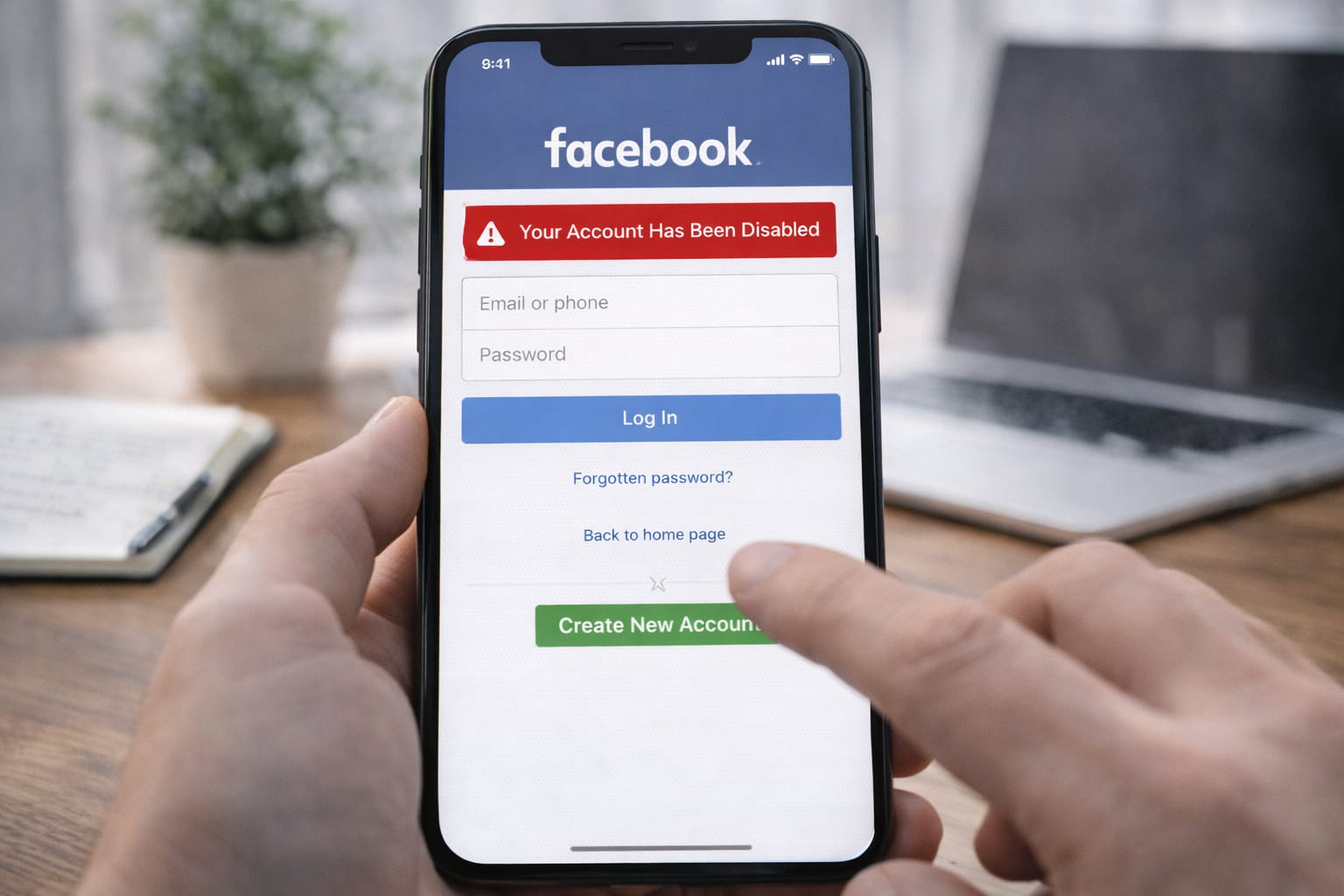
If your Facebook account is suddenly disabled, you’re not alone. Many users face this issue due to security checks, policy flags, or login problems. The good news? You can recover a disabled Facebook account using simple, step-by-step methods. This guide explains the easiest ways to get your account back safely.
Why This Problem Happens?
Your Facebook account may get disabled for several reasons. Here are the most common ones:
- Logging in from an unknown device or location
- Violating Facebook’s community rules
- Using a fake name or incomplete profile details
- Too many failed login attempts
- Suspicious activity detected on your account
Facebook disables accounts mainly due to unusual activity or guideline violations. It may also happen if you can’t verify your identity or log in from an unknown device. Understanding why it happened helps you choose the correct recovery method.
Step-by-Step Fixes to Recover a Disabled Facebook Account
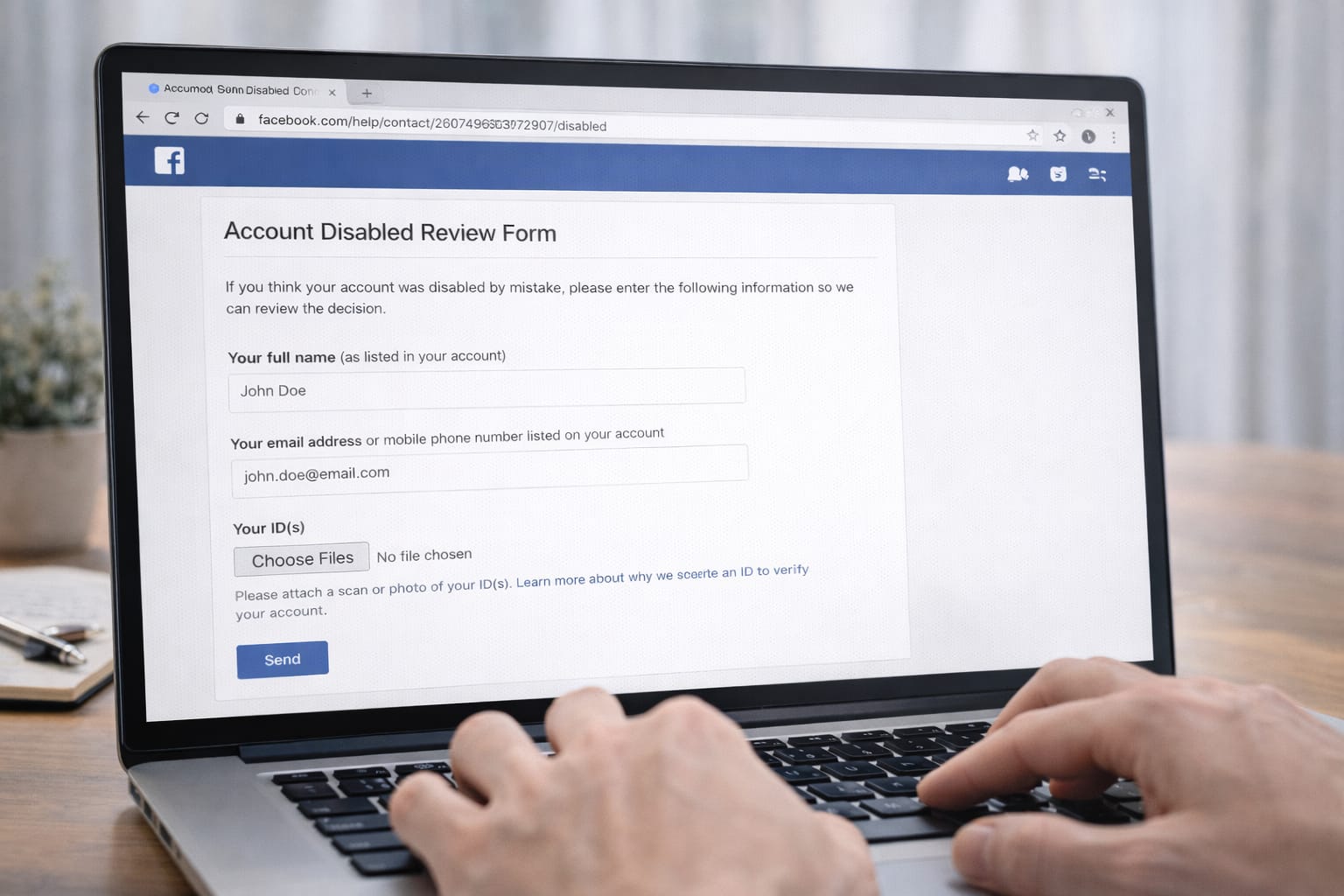
1️⃣ Method 1: Use the Official Account Review Form
This is the most reliable way to appeal a disabled Facebook account.
Steps:
- Go to the Facebook login page
- Tap “My account was disabled”
- Fill out the Account Review Form
- Upload a valid ID (if requested)
- Submit and wait for Facebook’s review
Facebook’s account review form lets you request reactivation by verifying your identity. Based on user reports, most successful recoveries happen through this method.
2️⃣ Method 2: Verify Identity Using Phone Number
If your account is disabled for security reasons, Facebook may allow recovery through phone verification.
Steps:
- Try logging in normally
- Choose Send Code to Phone
- Enter the code
- Confirm your identity
This method works best if your phone number is still active.
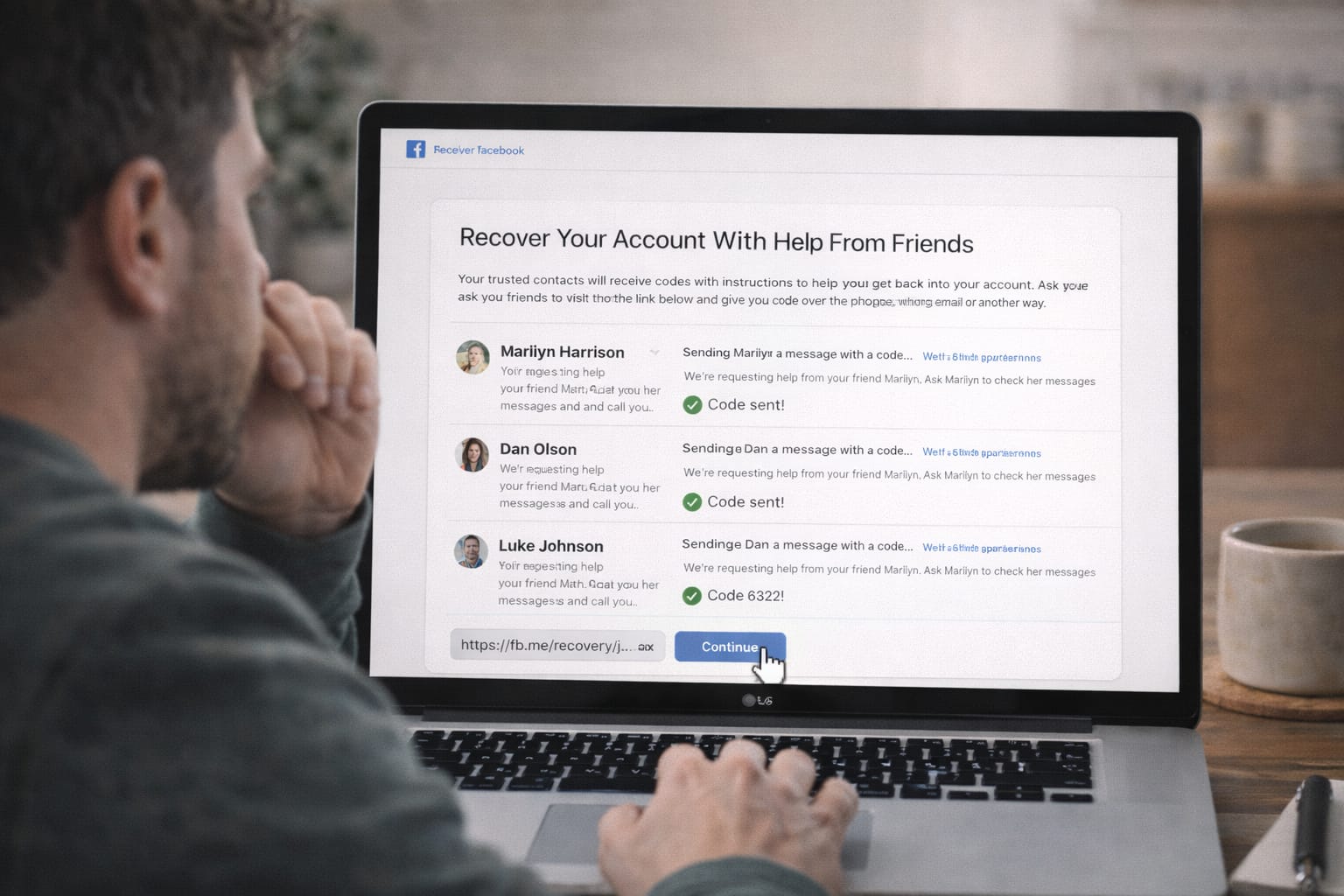
3️⃣ Method 3: Recover Account Using Trusted Contacts
If you set up trusted contacts earlier, this method works well.
Steps:
- Go to facebook.com/login/identify
- Enter your name or username
- Choose Trusted Contacts
- Facebook will send codes to your selected friends
- Enter those codes and recover your account
4️⃣ Method 4: Recover Using Username or Old Email
If your main email isn’t accessible, try these alternatives.
Steps:
- On login page, click Forgot Password?
- Enter your username
- Facebook will show any linked emails or numbers
- Choose one to receive the login link
Tip:
Even old emails sometimes remain linked—try them all.
5️⃣ Method 5: Submit Government ID for Verification
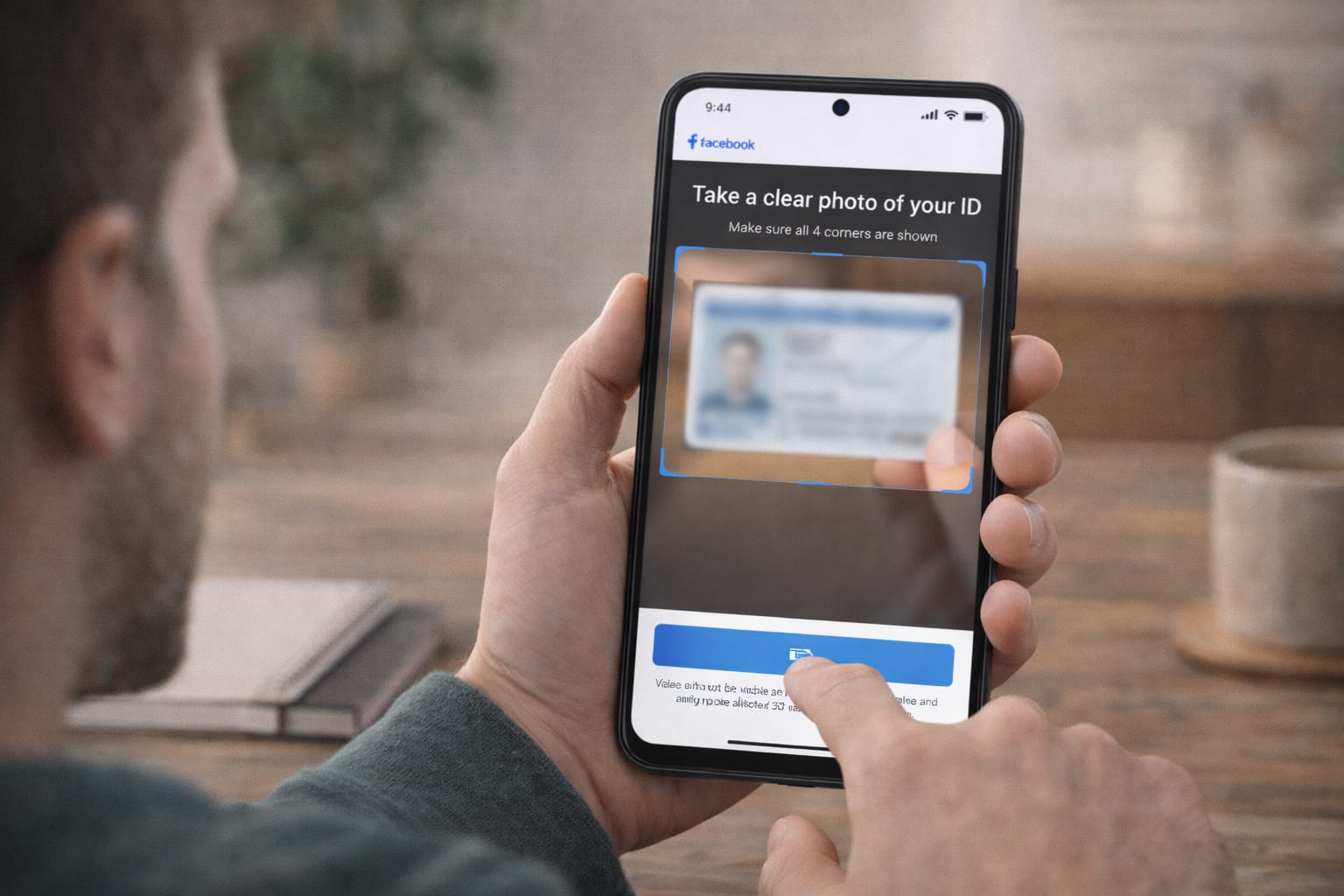
If Facebook needs identity proof, upload a clear photo of:
- Aadhaar card
- Passport
- Driver’s license
- School ID
- PAN card
When accounts are disabled for identity issues, Facebook may ask for official documents. Uploading an ID helps verify ownership and speeds up reactivation.
Alternative Fix (If Main Methods Don’t Work)
✔ Try Logging In from a Previously Used Device
Facebook trusts old devices more than new ones.
✔ Clear App Cache (Android)
- Go to Settings → Apps → Facebook → Storage
- Tap Clear Cache
✔ Update the Facebook App
Outdated versions may not show recovery options.
✔ Use Facebook Lite
Some users find the recovery link works better on Facebook Lite.
✔ Try Desktop Browser Instead of Phone
Sometimes web recovery options differ from mobile.
How to Contact Official Support
If none of the above methods work, you can reach support using:
- Facebook Help Center
- Identity Verification Form
- Login Issue Form
- Security Check Assistance Page
How to access:
Open your browser → Search “Facebook Help Center” → Choose login or disabled account section → Submit required info.
Conclusion
Recovering a disabled Facebook account is possible when you use the correct method based on your situation. The Account Review Form is the most reliable solution, followed by phone verification, trusted contacts, and identity checks. Try each method carefully and wait for Facebook’s response.
Frequently Asked Questions
Q1. Why am I not receiving the Facebook login code?
This may happen due to network issues, SIM restrictions, or an outdated phone number linked to your account. Try restarting your phone, switching to a different network, or choosing an alternate recovery option during login.
Q2. Can I recover a Facebook account without a password?
Yes. You can recover your account using your email address, phone number, username, trusted contacts, or by submitting the official Facebook account recovery or appeal form.
Q3. Is it possible to fix this without reinstalling the app?
Yes, absolutely. Most issues can be resolved by using the browser version, completing recovery forms, or clearing the app cache. Reinstalling the app is optional and usually not required.