Losing access to your Instagram account can feel scary, especially if you don’t remember the password or no longer have the email. The good news is that Instagram offers several simple recovery tools. This beginner-friendly guide shows you the safest methods to recover your Instagram account step-by-step.
Why This Problem Happens?
Instagram account recovery issues usually occur due to these common reasons:
- You forgot the password or changed it long ago
- You lost access to the email or phone number
- Instagram logged you out for security reasons
- The app is outdated or glitchy
- Your account may be temporarily locked due to suspicious activity
Many users face recovery problems when login details change or the linked email/phone is no longer accessible. App glitches, outdated versions, or security flags can also stop login attempts.

Step-by-Step Fixes to Recover Instagram Account (Without Password)
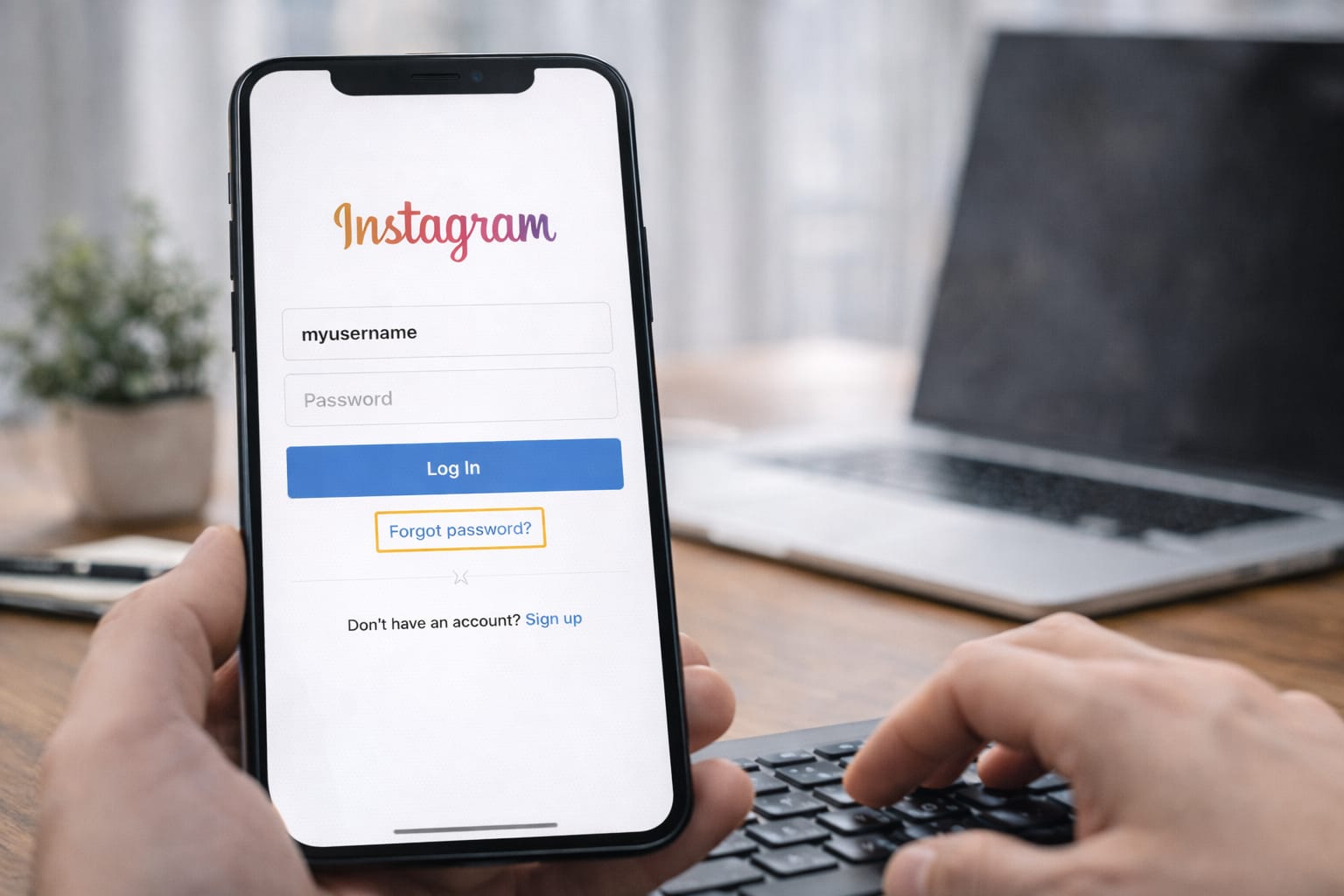
1️⃣ Use the “Forgot Password?” Option
This is the easiest way to get back into your account.
Steps:
- Open Instagram login screen
- Tap Forgot Password?
- Enter your username
- Choose email or phone for the login link
- Reset your password
➤ [Insert screenshot: Instagram login → Forgot Password]
If you still have access to your email or phone, Instagram will send a login link. This lets you reset your password instantly, even if you forgot the old one.
2️⃣ Recover Using Your Username Only
If you don’t remember your email or number, you can still try recovery via your username.
Steps:
- Go to Forgot Password?
- Enter your Instagram username
- Choose Try Another Way
- Instagram will show any linked recovery options
Mini Tip:
Try checking old SIM cards or old email IDs—many users find that one still works.
3️⃣ Use the “Need More Help?” Option (Most Effective)
This is the method Instagram recommends when you don’t have email or phone access.
Steps:
- On the login screen, tap Forgot Password?
- Tap Need More Help?
- Select My account was hacked or I cannot access this email/phone
- Submit the form
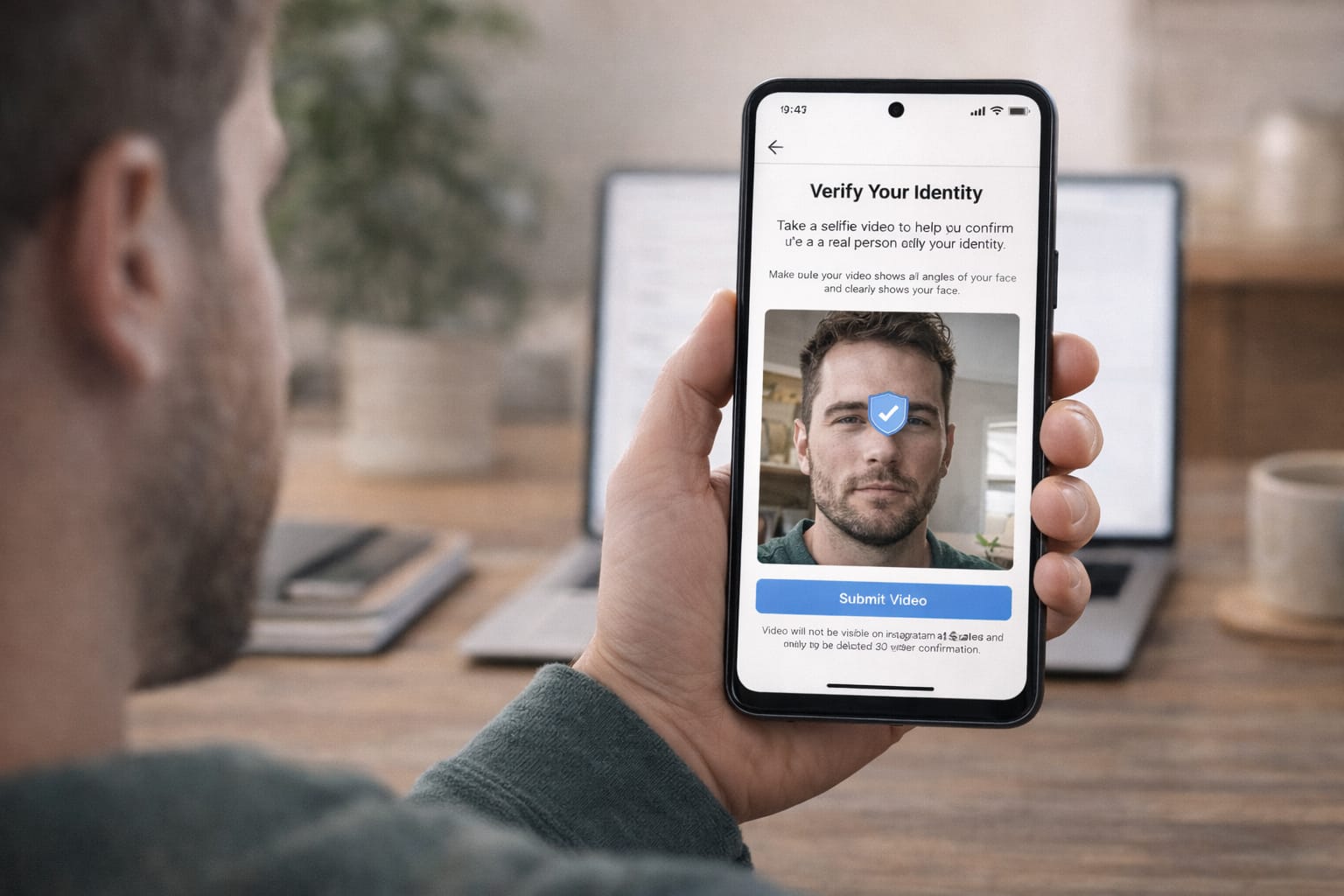
- Instagram may ask for a selfie video verification
Instagram’s “Need More Help?” form allows users without email or phone access to verify their identity. Based on user reports, selfie verification is currently the most successful recovery method.
4️⃣ Try Linked Accounts (Facebook Login)
If your Instagram was linked to Facebook:
Steps:
- Open Instagram
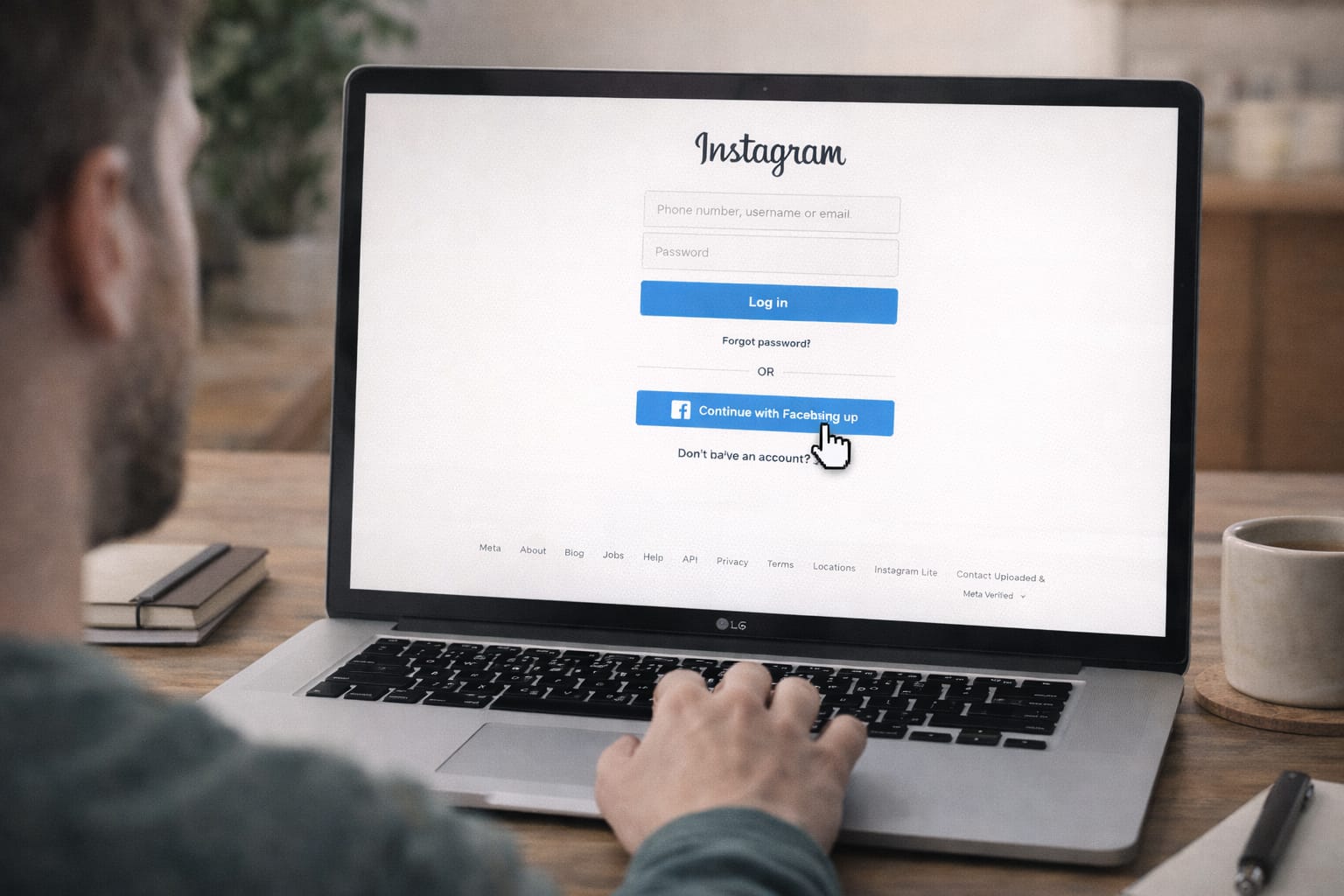
- Tap Continue with Facebook
- Approve login from your Facebook account
Why it works:
Instagram treats Facebook as a trusted login source.
5️⃣ Use Old Devices That Were Previously Logged In
If your old phone still has Instagram logged in or cached:
- Open Instagram
- Go to Settings → Account → Personal Information
- Update your email or phone number
- Now retry recovery
This works because old devices are treated as trusted access points.
Alternative Fix (If Main Methods Don’t Work)
If none of the above methods help, try these backup options:
✔ Try Instagram Web Instead of the App
Some users report that the web version loads more recovery options.
✔ Clear App Cache (Android)
- Go to Settings → Apps → Instagram → Storage
- Tap Clear Cache
➤ [Insert screenshot: Android App Settings]
✔ Update Instagram
Outdated versions may not show updated recovery tools.
✔ Use Instagram Privacy & Security Help Form
Instagram occasionally unlocks accounts through manual review based on the details you provide.
How to Contact Official Support
You can contact support through:
- The Instagram Help Center
- The Privacy & Safety Request form
- The Report Login Issue form
- Facebook Support (if linked)
How to access:
- Search “Instagram Help Center”
- Choose topic: Login & Password
- Fill in the required details
Instagram may take a few days to respond, depending on the case.
Conclusion
Recovering an Instagram account without a password or email is absolutely possible if you follow structured methods like username recovery, Facebook login, or Instagram’s official help form. The “Need More Help?” option is the most reliable method for locked-out users. Try each method patiently for the best results.
Frequently Asked Questions
Q1. Why is the Instagram login code not received?
Login codes may not arrive due to network issues, blocked SMS messages, server delays, or an outdated phone number. Try resending the code, restarting your phone, or logging in from another device.
Q2. Can I recover my Instagram account without a password?
Yes. You can recover your account using your email address, phone number, username, Facebook login, or by selecting the “Need More Help?” option during login.
Q3. Can I recover Instagram without an email or phone number?
Yes, you can try logging in with your username, using Facebook login, or completing identity verification through Instagram’s support form. Many users regain access using selfie verification.
Q4. Is it possible to fix recovery issues without reinstalling the app?
Yes. You can use the Instagram web version, clear the app cache, update the app, or reset your password using your username—reinstalling the app is not required.