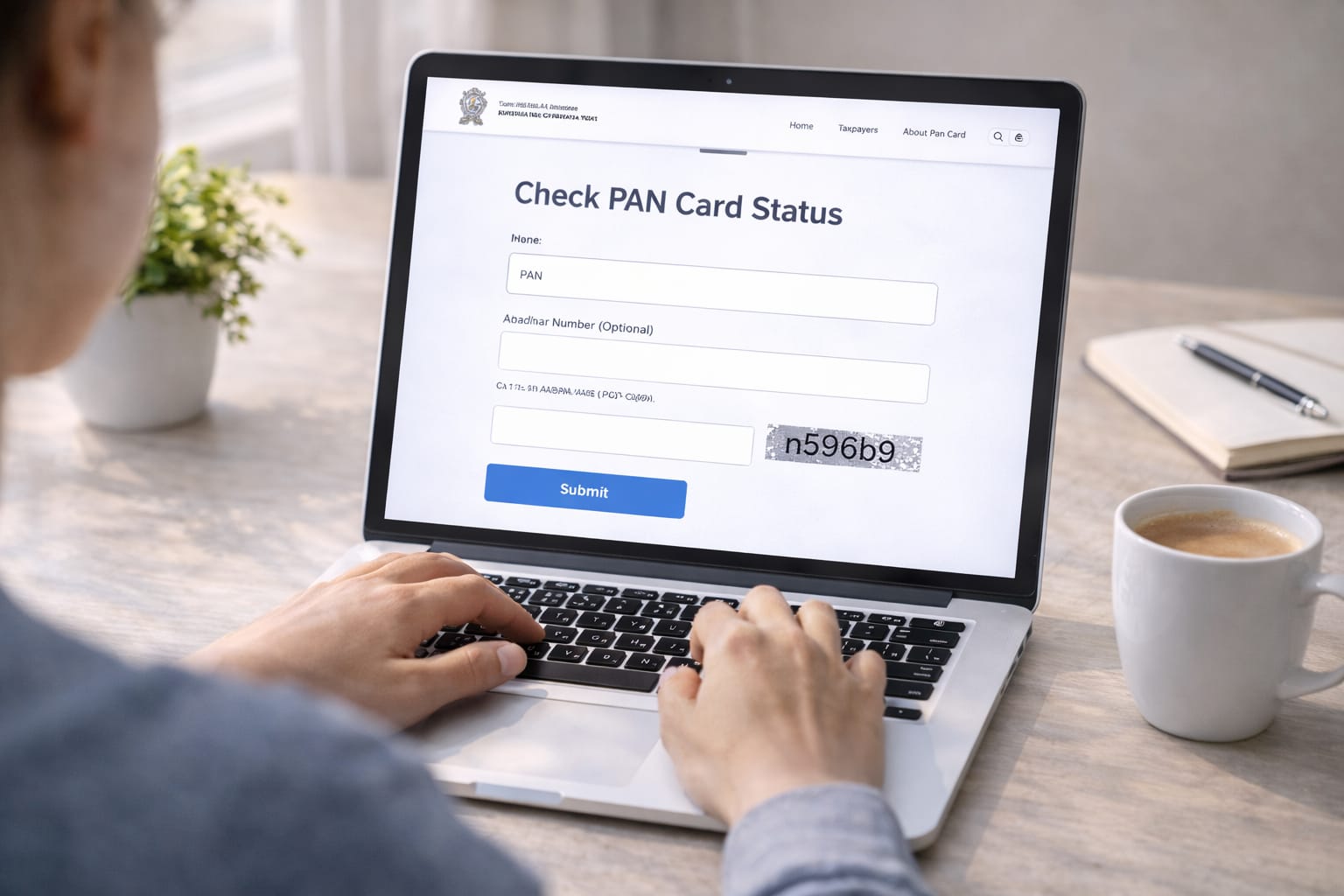
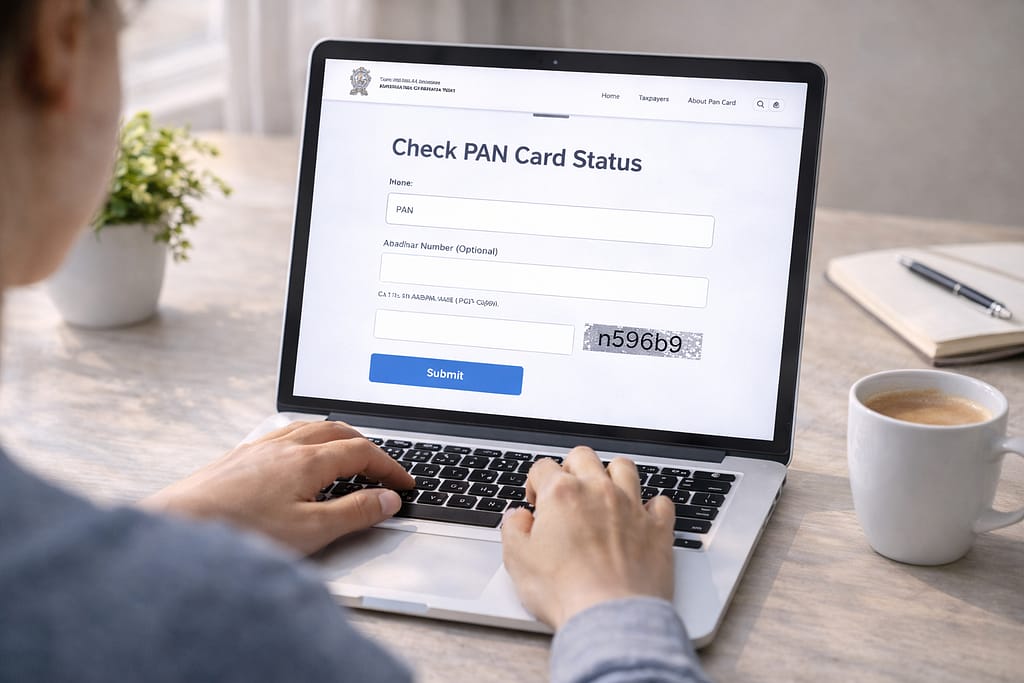
If you recently applied for a PAN card or requested corrections, you might be wondering when it will arrive. The good news is that you can track PAN card status online within minutes. This guide explains the exact steps, why status errors happen, and how to check tracking without an acknowledgment number.
Why PAN Status Tracking Issues Happen?
PAN status may not show due to server delays, incorrect acknowledgment number, mobile/email mismatch, or incomplete application updates. Sometimes NSDL/UTI servers take time to refresh status. Poor internet, outdated browsers, or typing mistakes can also stop the status from loading properly.
Step-by-Step Fixes to Track PAN Card Status Online
Follow these methods to check your PAN card application or correction status on your phone or computer.
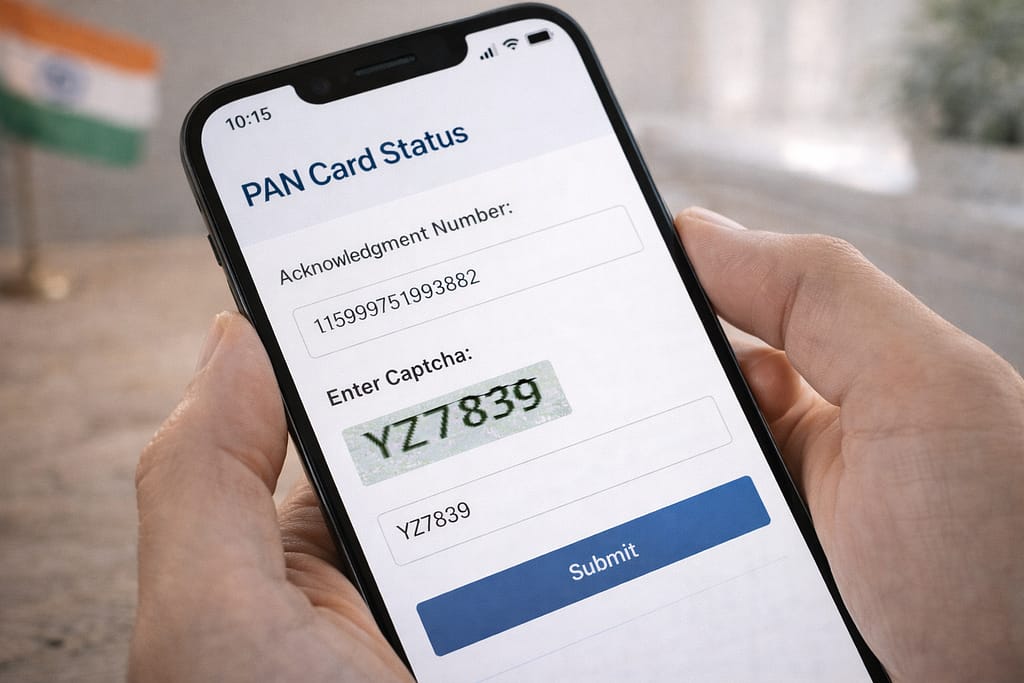
✔ Method 1: Track PAN Status Using Acknowledgment Number
- Open the official PAN status tracking page (NSDL or UTI).
- Select PAN New/Correction service.
- Enter your 15-digit acknowledgment number.
- Fill the CAPTCHA and submit.
- Your PAN status will appear: “Under Process”, “Printed”, or “Dispatched”.
If it doesn’t load, check your acknowledgment number again.
✔ Method 2: Track PAN Card Status Using Aadhaar Number
This method works for new applications linked with Aadhaar.
- Go to the Aadhaar-based PAN tracking page.
- Enter your Aadhaar number.
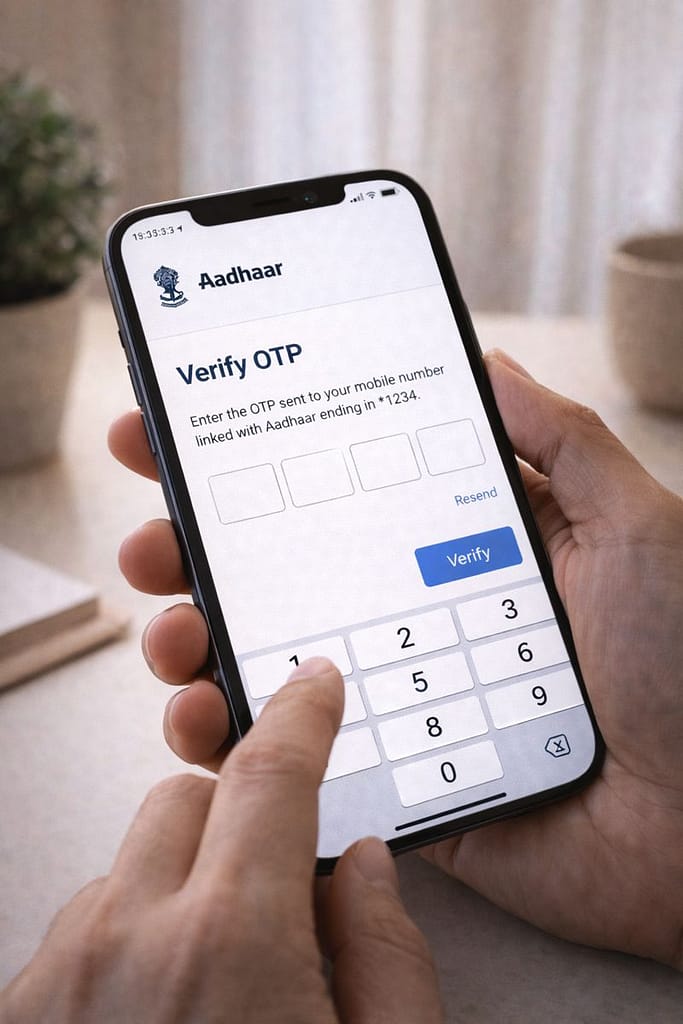
- Verify OTP received on your registered mobile.
- Check the PAN allotment/processing status.
If OTP isn’t received, try resending or checking network strength.
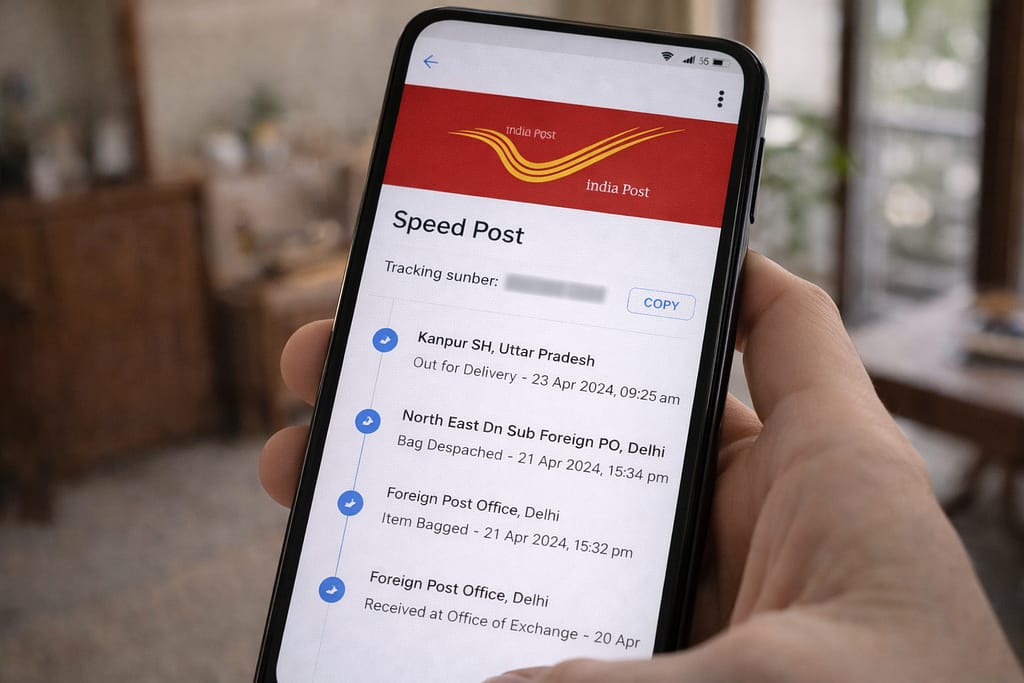
✔ Method 3: Track PAN Delivery Status through Speed Post
Once your PAN is dispatched:
- Copy the Speed Post tracking number from the PAN status page.
- Open the India Post tracking website.
- Paste the number and check delivery location updates.
✔ Method 4: Track PAN Status Without Acknowledgment Number
If you forgot your reference number:
- Open the PAN status search tool.
- Choose Name + DOB option.
- Enter your Full Name, Date of Birth, and mobile/email.
- Retrieve your acknowledgment number and re-check status.
Alternative Fix (If PAN Status Still Not Showing)
If the main methods don’t work, try:
- Use a different browser (Chrome/Edge).
- Clear cache and reload the tracking page.
- Switch from mobile data to WiFi for stable connectivity.
- Try checking on the UTI portal if the NSDL page doesn’t load.
- Wait 24–48 hours as per support guidelines; sometimes updates are delayed.
These steps are based on common user reports and typical PAN server behavior.
How to Contact Official Support
If your PAN status is stuck for many days:
- Visit the official PAN Help Center from NSDL or UTI.
- Use their query form to raise a ticket with your acknowledgment number.
- You can also contact the helpline via their customer care numbers.
- For delivery issues, contact India Post support from their help section.
No URLs are included per guidelines, but you can search “NSDL PAN Help Center”.
Conclusion
Tracking your PAN card status online is simple when you follow the right steps. Whether you use Aadhaar, acknowledgment number, or name-based search, most tracking issues can be solved quickly. If everything fails, contacting the official help center is your best option.
Frequently Asked Questions
Q1. Why is my PAN card status not updating?
This may happen due to server delays, incomplete data syncing, or an incorrect acknowledgment number. It’s best to wait for some time and recheck, or verify that the details you entered are correct.
Q2. Can I track PAN card status without a mobile number?
Yes, you can track the PAN card status using the acknowledgment number or by entering your name and date of birth on the tracking page. A mobile OTP is required only for Aadhaar-based tracking.
Q3. Can I check PAN status without the acknowledgment number?
Yes, you can retrieve the acknowledgment number using your name, date of birth, and registered email ID on the PAN status tracking website.
Q4. Is it possible to check PAN dispatch details?
Yes, once the PAN card is dispatched, the tracking page usually displays a Speed Post tracking ID, which you can use to track delivery through India Post.