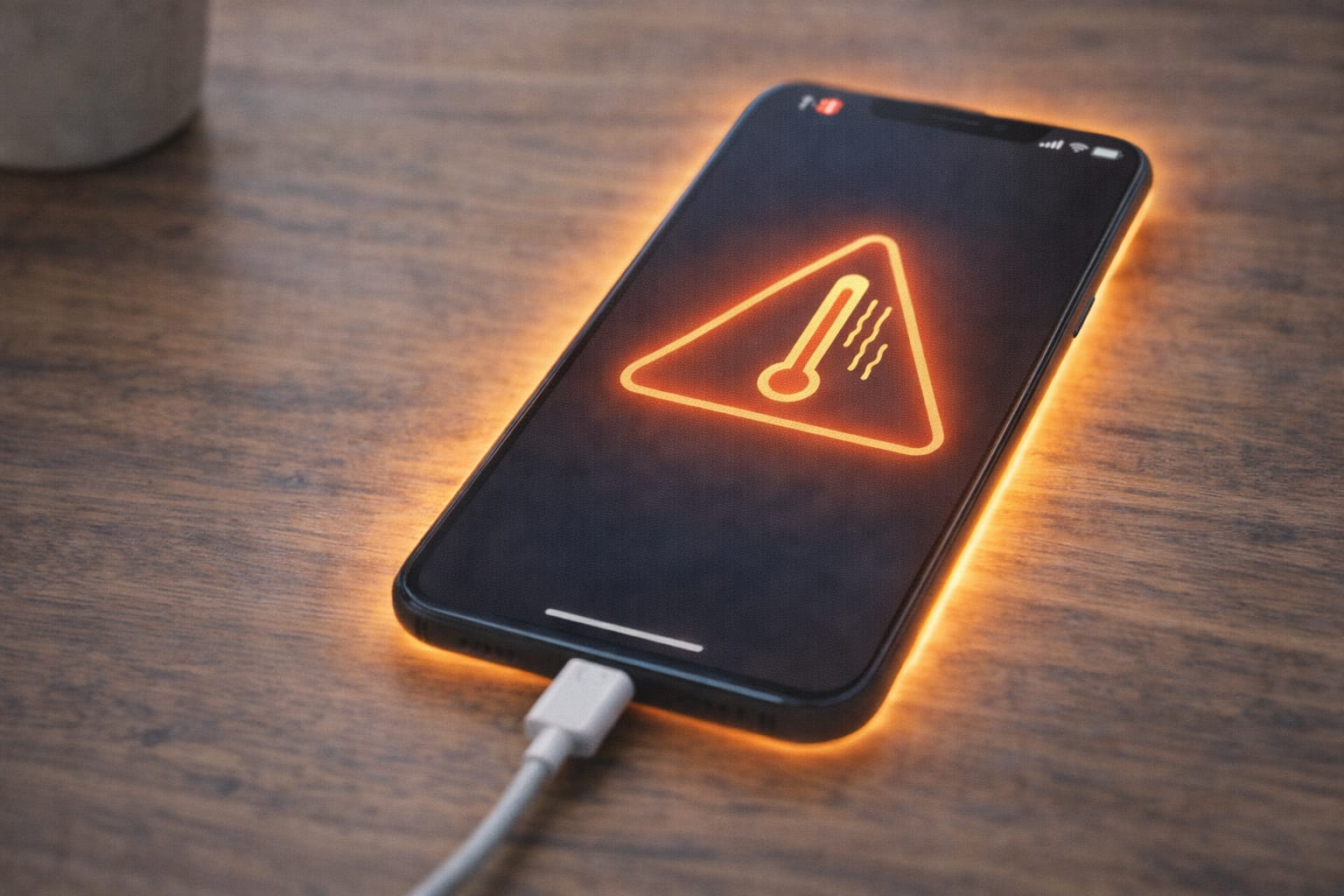
Many users notice their phone getting unusually hot while charging, especially during gaming, multitasking, or using fast chargers. This guide explains why your phone heats up and provides simple, step-by-step fixes you can try at home. These methods are beginner-friendly and based on common user reports and support guidelines.
Why Is My Phone Heating While Charging?
Phone heating while charging usually happens due to background apps, heavy usage, fast charging, or poor ventilation. Below are the most common causes.
Your phone may heat while charging due to running too many background apps, gaming while plugged in, using an incompatible charger, fast charging, or keeping your phone in a hot environment. Dust in charging ports and software bugs may also increase heating, based on common user reports.
Step-by-Step Fixes for Phone Heating While Charging
Try these methods one by one. Each fix is simple and works for Android and iPhone.
1️⃣ Stop Using the Phone While Charging (Quick Fix)
Most heating issues happen because the processor is overloaded.
Steps:
- Unplug your phone.
- Close all apps.
- Let it cool for 5–10 minutes.
- Plug it back in and avoid gaming or streaming.
2️⃣ Use the Original or Certified Charger
Using cheap or mismatched chargers is one of the biggest causes of overheating.
Steps:
- Check your charger for brand certification.
- Avoid damaged cables.
- Try another charger to compare temperature.
3️⃣ Turn Off Background Apps
Too many apps running at once can heat the CPU.
On Android:
Settings → Apps → Running Apps → Stop unnecessary processes
On iPhone:
Swipe up → Close unwanted apps
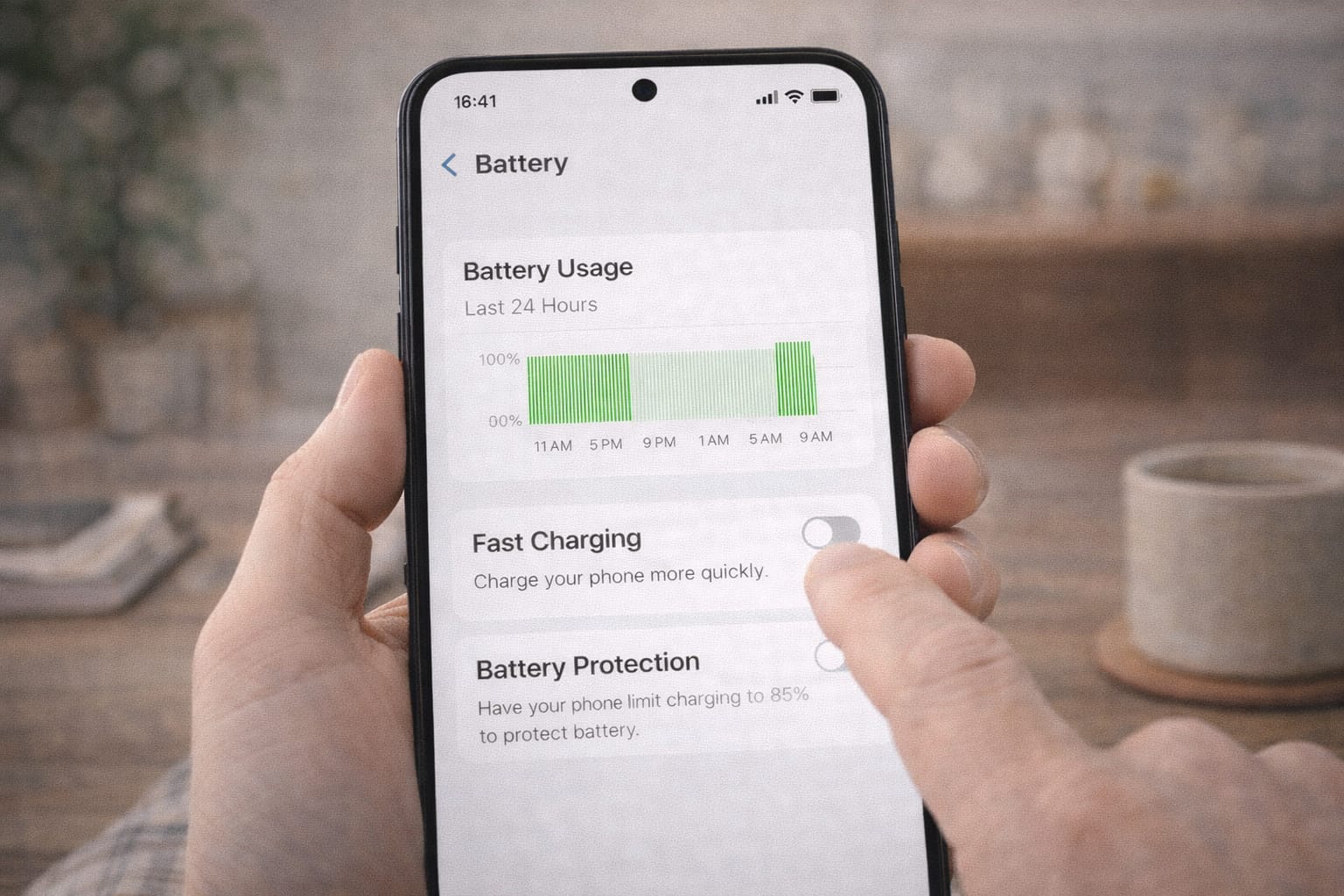
4️⃣ Disable Fast Charging (If available)
Fast charging increases battery temperature.
Android: Settings → Battery → More battery settings → Disable Fast Charging
iPhone: No manual toggle, but avoid using high-watt chargers.
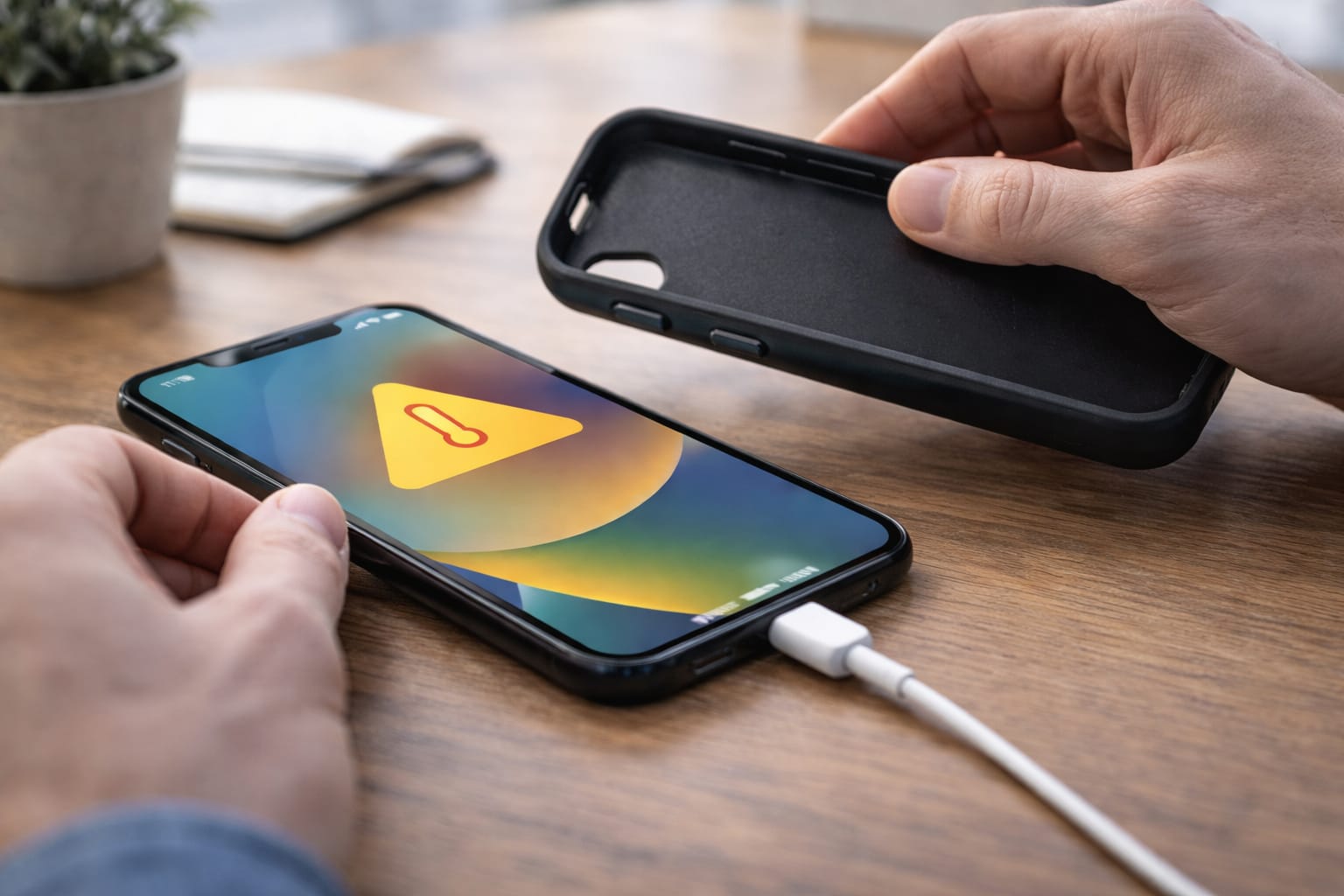
5️⃣ Remove Phone Case While Charging
Phone cases trap heat and slow cooling.
Tip: Choose breathable or open-frame cases if your phone heats often.
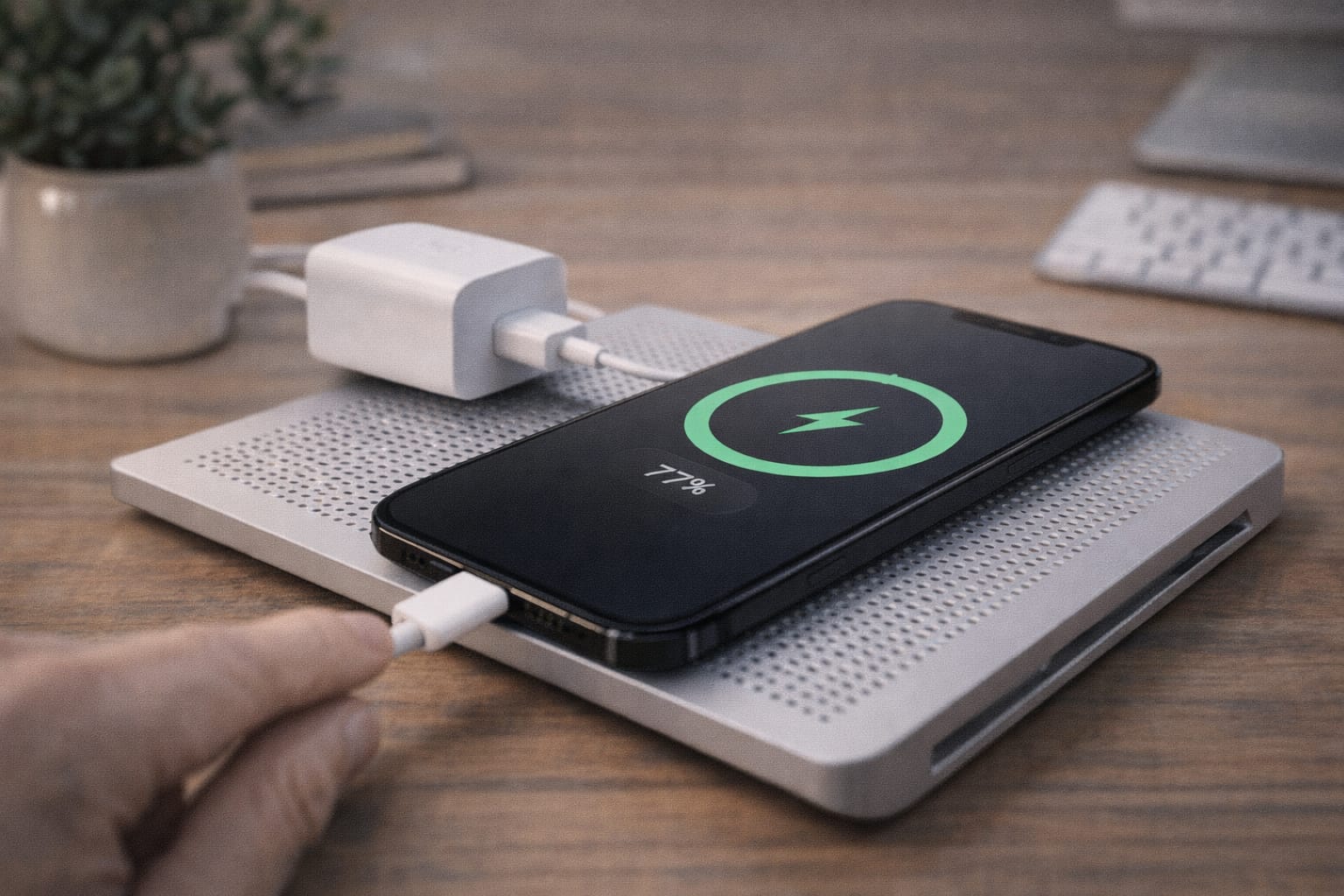
6️⃣ Charge in a Cool, Ventilated Place
Avoid charging on:
- pillows
- blankets
- sunlight
- car dashboards
Phones cool faster on hard, flat surfaces.
7️⃣ Update Your Software
System bugs may cause high CPU usage.
Steps:
Settings → Software Update → Install updates
8️⃣ Clear Cache (Android Only)
Clearing cache reduces background load.
Settings → Storage → Cached Data → Clear
If this method does not work, try this…
Restart your phone to refresh background systems and charging cycles.
Alternative Fix (If Main Methods Don’t Work)
If your phone continues overheating, try these options:
1. Use the Web Version Instead of Apps
Apps like Instagram, Facebook, YouTube consume heavy resources.
Using the browser reduces processor load.
2. Battery Usage Check
Settings → Battery → View which app uses most power
Uninstall or restrict apps showing abnormal consumption.
3. Safe Mode Check (Android)
Safe Mode helps detect if third-party apps cause heating.
If the phone stays cool in safe mode, uninstall recent apps.
How to Contact Official Support
If none of the fixes work, follow official support options:
- Android: Open Settings → Support or search for your phone brand’s help center.
- Apple: Open Settings → Support or use the official “Get Support” app.
- Charging accessory issues: Contact charger/cable manufacturer support.
Conclusion
Phone heating while charging is a common issue, but most cases are easy to solve by adjusting usage habits, removing heavy background tasks, using the right charger, or charging in a cooler place. Start with simple fixes and move to advanced checks if the problem continues.
Frequently Asked Questions
Q1. Why does my phone heat up only when fast charging?
Fast charging increases voltage and power delivery, which naturally raises the battery temperature. This is normal up to a certain limit. If the phone becomes too hot to touch, disable fast charging and try using a standard charger.
Q2. Can I fix overheating without stopping charging?
Yes, you can reduce heat by turning on Airplane Mode, closing background apps, removing the phone case, and placing the phone on a cool surface. However, heavy phone usage while charging will keep the temperature high.
Q3. Is it possible to fix overheating without reinstalling apps?
Yes. Most heating issues are caused by background processes, unsuitable chargers, or environmental heat. Reinstalling apps is rarely required unless a specific app is clearly causing the problem.